Using Autoselection

  1. Select the Precedence level for executing Autoselection against the data from the Precedence list. For more information, see Precedence.
  2. Click either the ByPhase or ByPackage links at the top of the screen to perform autoselection using the following:
    • A specific document grouping or subset (phase group/phase)
    • An entire list of documents (package)
  3. If the user selected the ByPhase link, select the following:
    • Phase Group: this dropdown features the line of business
    • Phase: this dropdown consists of the phase within the line of business
    Note: The Phase field is populated with the list of phases available for the selected precedence. The ByPhase option is the default view when initially navigating to this screen.
  4. If the user selected the ByPackage link, select a Package from the dropdown list:
    Note: The Package field is populated with the list of packages available for the selected precedence.
  5. From the Transaction box, select from the following:
    • Click the Browse button to access the Browser. Select an item/line of business to open its available documents. Click OK.
      Note: For information on using Browser, see Expere Testing System Browser.
    • Click the Paste button to display a text box for pasting in existing transaction data. The following screen appears.
  6. Click the Autoselection DDR button; click one of the following:
    • VMPMISMO DDR
    • ExpereTxn DDR
  7. On the Autoselection page, enter the data into the transaction fields.
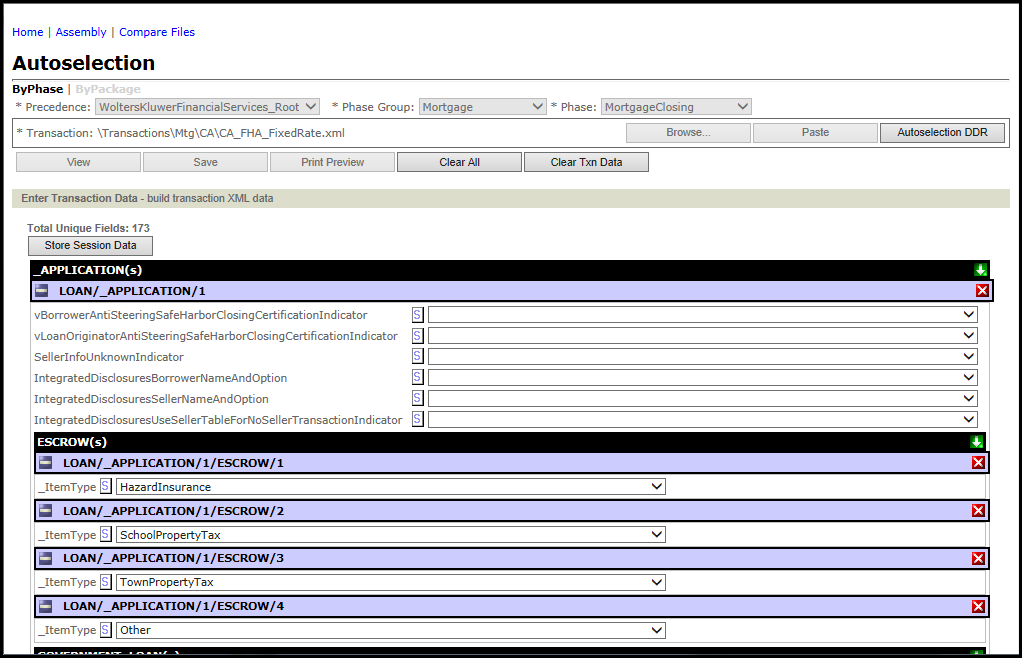

  8. Click the Store Session Data button.
  9. From the Autoselect Options, select the desired document format:
    • Document List (default)
    • XML: The XML format displays the actual code within the browser.
  10. Click the Autoselect button. The screen updates the results.
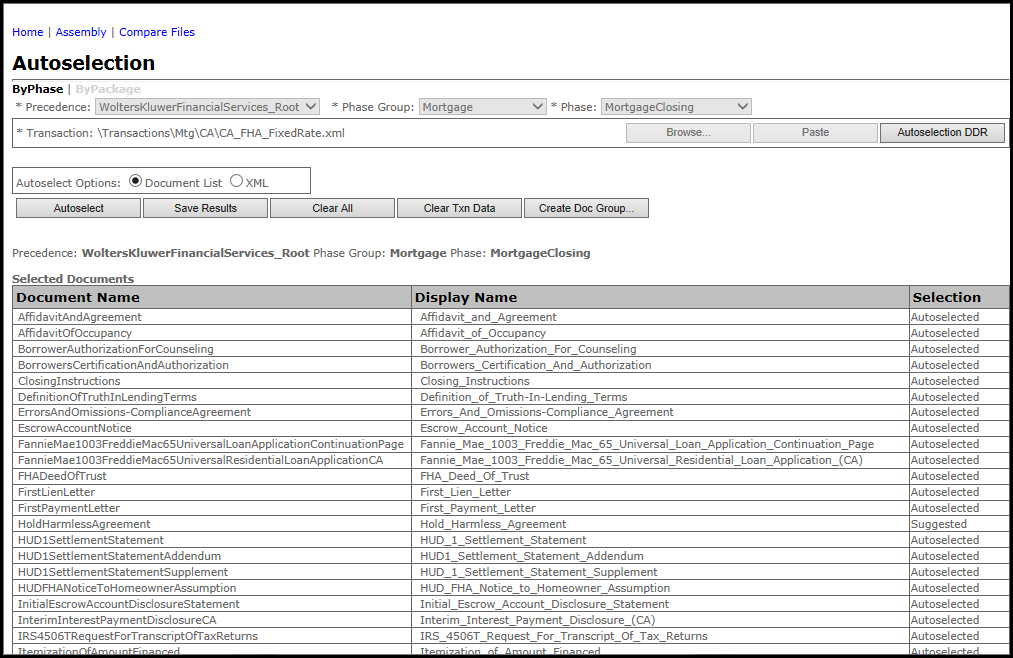

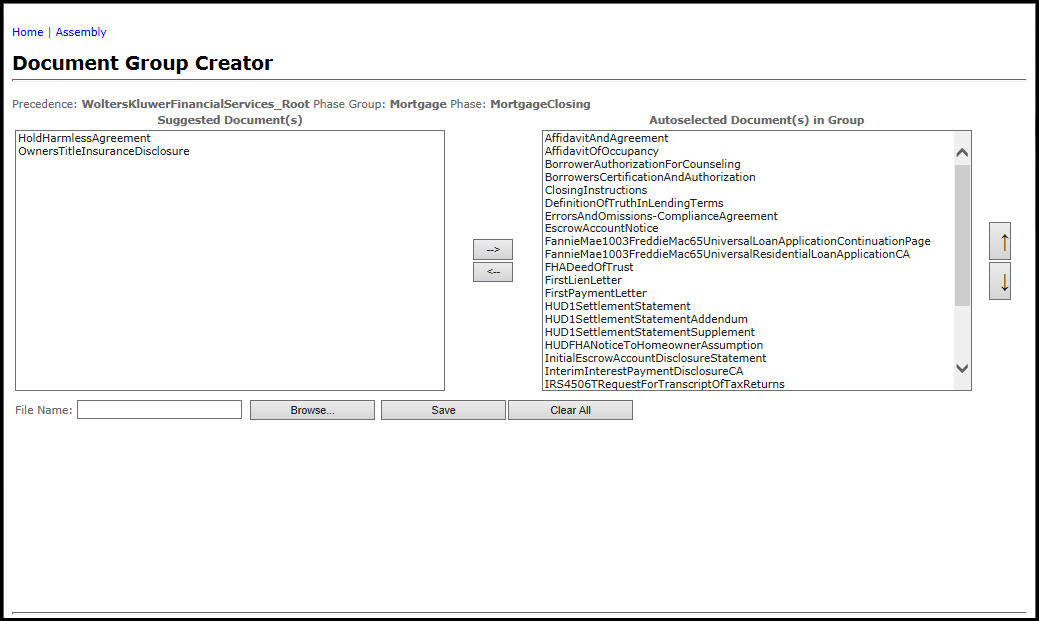
  11. Click the Create Doc Group button to load the selected documents into the Document Group Creator. This allows the user to create a new document assembly group for use within Assembly. For more information on using the Document Group Creator, see Document Group Creator.