Click the Fully Assembled XML link to display the screen below.
This consists of the entire XML document, including all XML rules and data item references. This includes EDB elements needed for debugging.
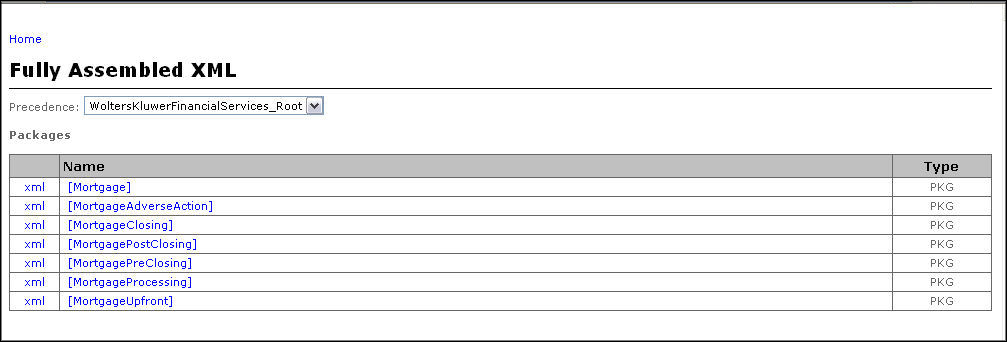
Note: Click the .xml link located to the left of a package name to display an XML document containing the fully assembled package.
Click the package name to display a list of all documents contained within the package. For this example, the Mortgage package has been selected in the figure below.
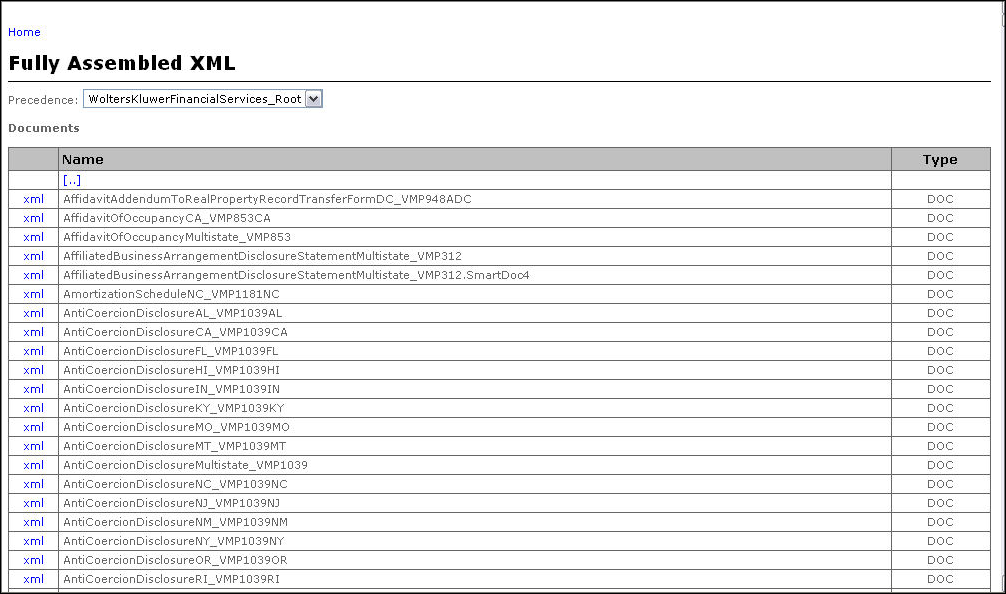
Click on the .xml link located to the left of a document name to display an XML document containing the fully assembled XML for the selected document.
