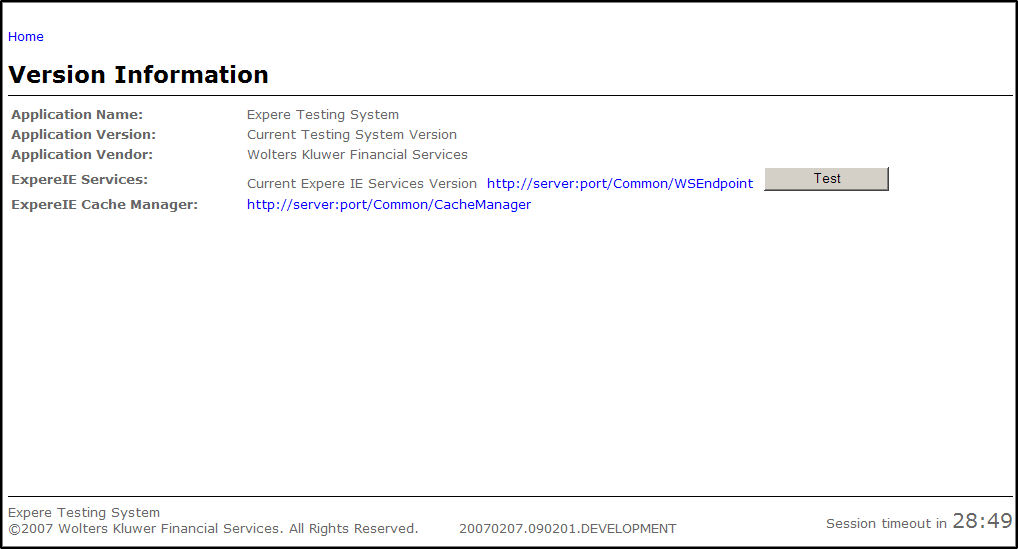
Accessing any feature of the Testing System creates a new session. Each session is allotted a certain period of inactivity before expiring. This time period depends on the server session timeout setting. The time remaining in the current session appears by the session timeout indicator located at the bottom right of the screen.
Two minutes prior to the expiration of the session, a message appears indicating that the session will expire. Upon session expiration, the user cannot save any information from that session. All session data will be lost.