Select the desired precedence from the Precedence list. Users can select from the standard WoltersKluwerFinancialServices_Root or a custom precedence.
In the Assembly format list, select the format in which to publish the results. The default is Default. For more information, see Assembly Options.
To select the appropriate transactions, click the corresponding Browse… button.
The Expere Testing System Browser appears. For more information on using Browser, see Expere Testing System Browser. For Multi assembly, the naming convention for transactions must be DocumentName_uniqueIdentifier.xml.
Select any transactions to run in the assembly; click OK.
To select a result directory, click the corresponding Browse… button. Browse for and select the directory to save the results. Click OK at the bottom of the Browser page.
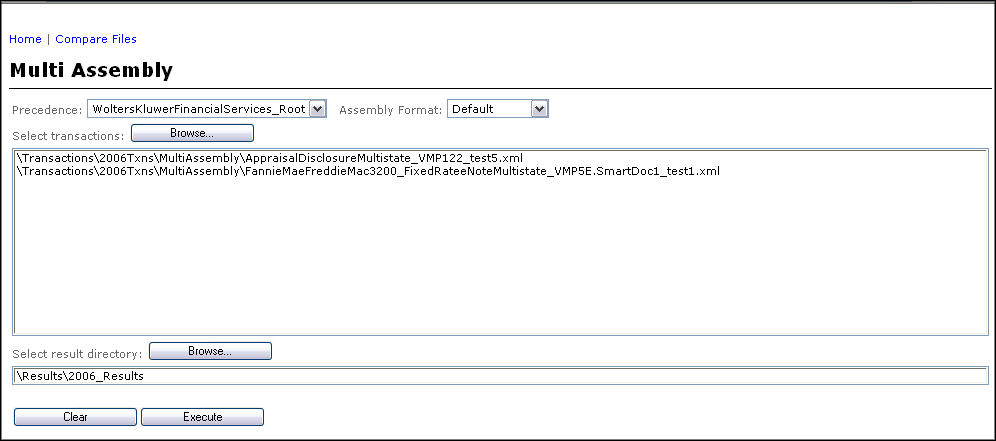
The Multi Assembly page is updated with the transaction and result location, as shown in the following figure.
Click the Execute button to initiate the process. The results appear in the Multi Assembly Results report window.
Click on the document link to view its assembled form. Click on the transaction link to view the transaction that was used for assembly
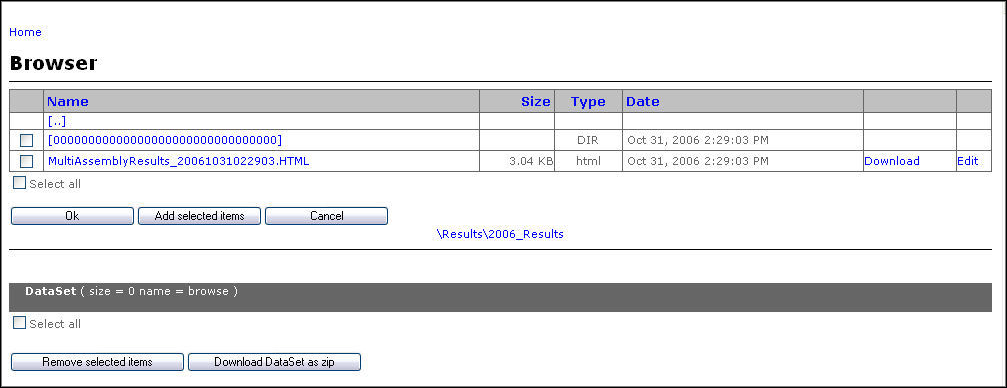
Use the Browser to recall the report at any time. Browse to the location to find the save results; click the .html file that contains the report.
Note: Users should not use underscores in the unique identifier part of the transaction file name.