The Expere Validation screen appears when the user clicks on the application link or start icon.
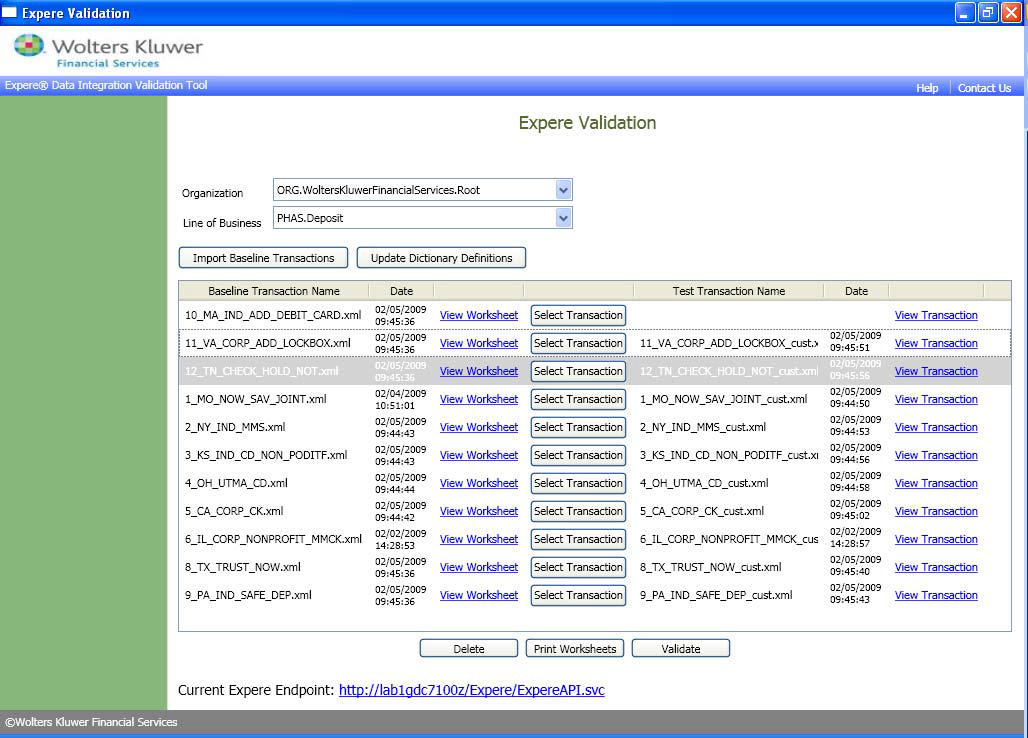
Note: The Delete, Print Worksheets, and Validate buttons are disabled until selecting at least one transaction with a matched test transaction. The Validate button can only be executed when a matching transaction exists.

