Viewing SMART Doc ™ files
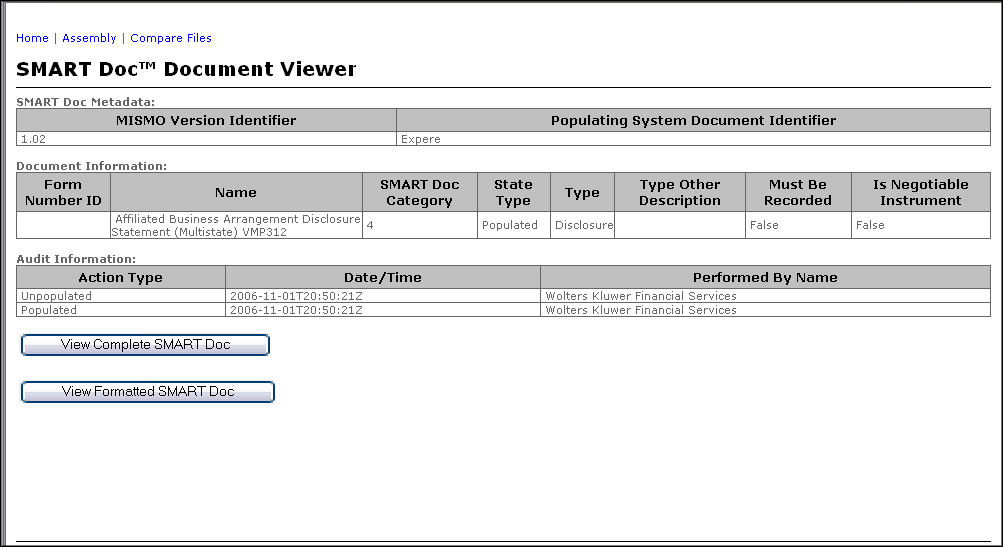
- Click the document link to view the document in its assembled format. For example, the first document assembled was a SMART Doc file, as seen in the example below.
- Click the View Complete SMART Doc button to perform the following functions:
- Open a new Internet Explorer window
- Display the SMART Doc file in its raw XML format
- Click the View Formatted SMART Doc button to view the View section of the SMART Doc file.
- If the View contains XHTML (Category 1) the SMART Doc Viewer will open a new Internet Explorer window and display the View.
- If the View contains a PDF (Category 4) the SMART Doc Viewer will open a new Internet Explorer window and display the View.