This login screen only appears if it has been enabled in ExpereTestingSystem.properties. Refer to the Expere Implementation Guide for more information.
- On the Login screen, enter the following information:
- Username
- Password
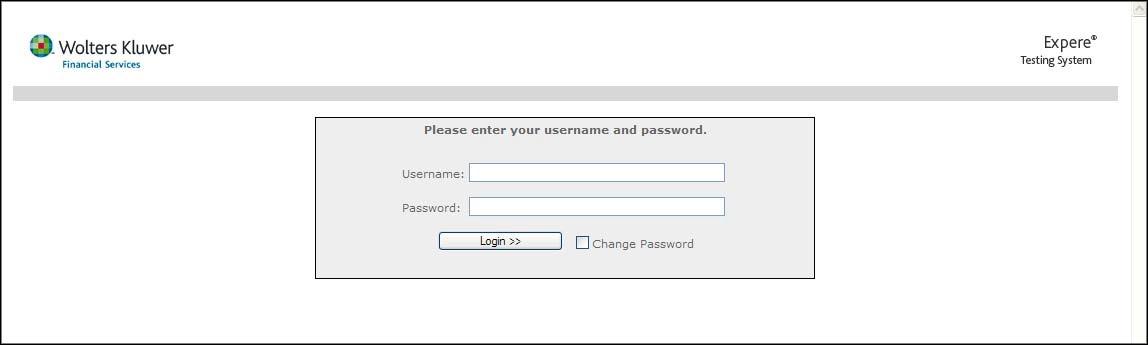
This login screen only appears if it has been enabled in ExpereTestingSystem.properties. Refer to the Expere Implementation Guide for more information.
 |
