What documents are in a package?
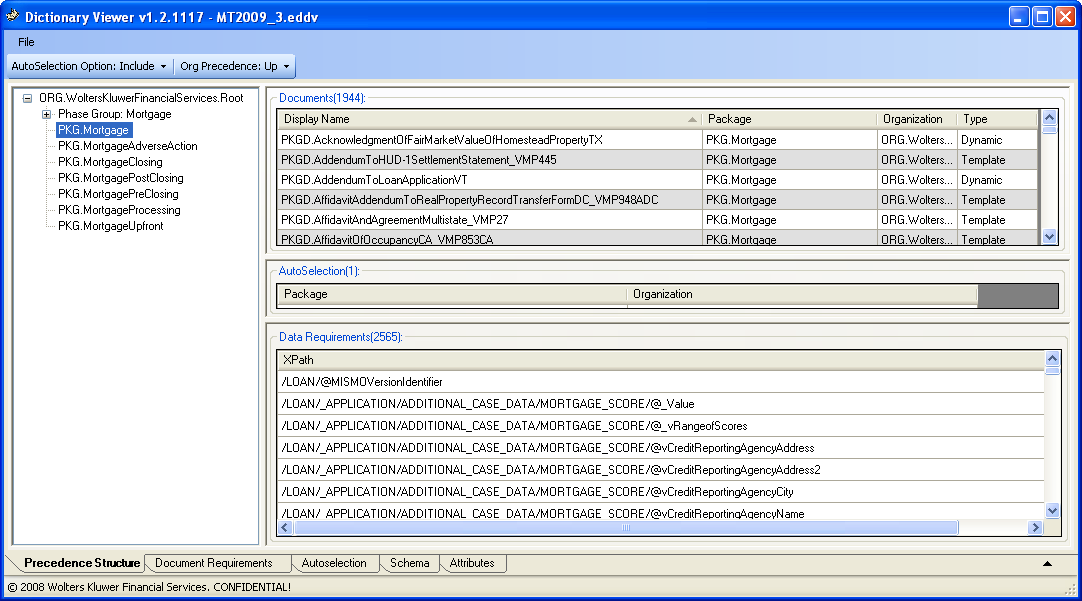
To determine what documents are within a package, select a package on the left navigation; the Data Dictionary Viewer displays the Documents in the top right pane. In the screen below,the Data Dictionary Viewer states that 1944 documents exist in PKG.Mortgage.
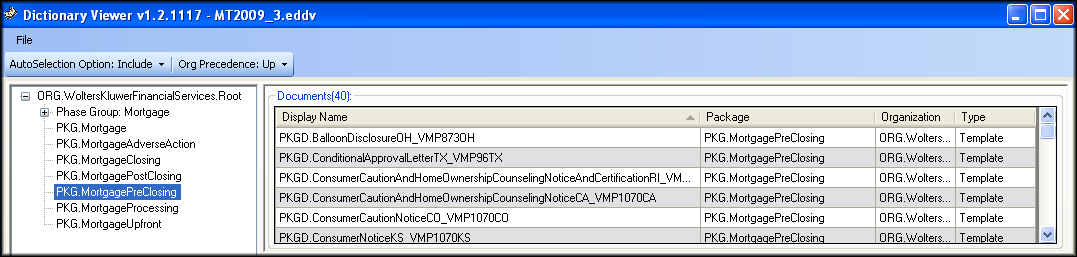
Select the Mortgage PreClosing package to display the package results.
What documents use a data item?
Given the XPath for a data item (XPath: /LOAN/_APPLICATION/ASSET/@BorrowerID), this section discusses which documents use that data and particular packages in which reside. they reside.
Open the Schema tab and search for the XPath in the tree view or enter it directly in the XPath field (press the Enter key or click Refresh to see the results).
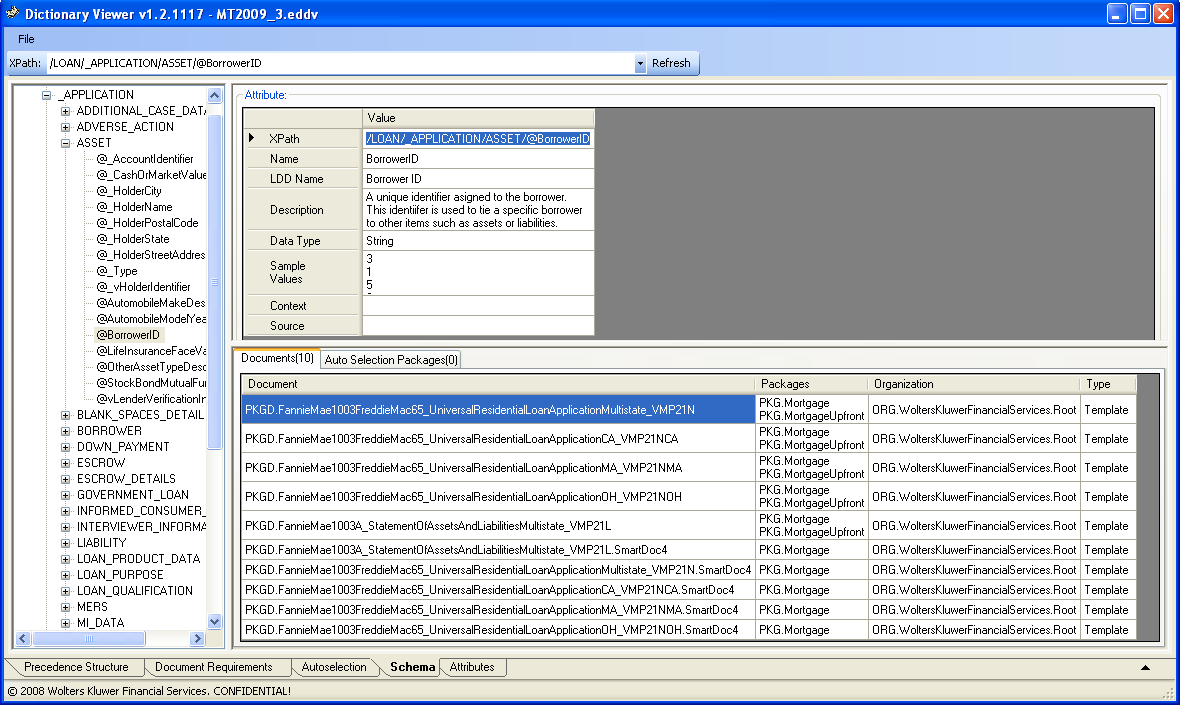
The schema tree displays the data item location; the right panes display the XPath-related information. This item is a string that is used in 10 documents. The documents display those packages where used.
What are the data requirements for a package or document?
Given a selected package at precedence level, this section discusses the data requirements for the package and which documents use these data requirements. With the Mortgage PreClosing package selected, the Data Dictionary Viewer states that 40 documents and 214 data requirements exist for the package.
To displays the data elements required for a given document in the package, select the document to filter the Data Requirements in the Data Requirements pane. Selecting the PKGD.BalloonDisclosureOH_VMP837OH, filters the Data Requirements from the 214 in the entire package down to the 38 found in the Balloon Disclosure document.
Conversely, data requirements may be exported by using the Create Document/XPath Cross Reference… option. The DDV will generate the CSV file and allows users to immediately open it in Excel. The document file name appears in the first column; each XPath appears in the second column.
Stylesheet Options and Override Details
The following style sheets are used when creating content. The bullet items below each style sheet detail the items that are an override from the standard WKFS_StyleGuide. To select a style sheet override, in the outline editor, enter one of the following values into the DocumentSpecificStyle attribute on the Document element.
- WKFS_StyleGuide: Follows the WKFS StyleGuide requirements. Standard 10pt base font, 11” page length, etc.
- Consumer_Direct: 9pt base font size override. CT state specific changes for title size (2pts above base font size) and spacing between sections (3/16th). The 9pt base font size meets the minimum required for some NY and NJ documents.
- Consumer_Indirect: 8pt base font size override in addition to using condensed font as the base. Eform outputs will have field underlines for all fields except multiline fields. CT state specific changes for title size (2pts above base font size) and spacing between sections (3/16th). Other state required style overrides should be set using the InstanceFormattingMetadata (ex. NY and NJ 9pt minimum base font)
- Privacy: The tagline will only print on page one (1).

