Attributes may be searched and filtered for data in any or all of the columns.
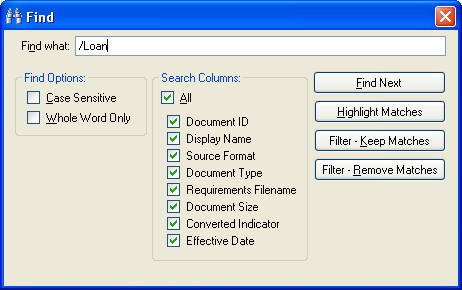
- The Find Next button will search within the grid and highlight the first match (from top to bottom based on the current sort order).
- The Highlight Matches option will highlight all matched search terms within the grid.
- The Filter – Keep Matches option finds all rows that contain a match and removes all other rows that do not match the search criteria.
- The Filter – Remove Matches feature removes all rows meeting the search terms.
Searching for Authorizations with the Filter – Keep Matches function, the DDV returns 29 matching rows and removes the rest.
To remove the filter, click the Filter button and select Remove Filter.


