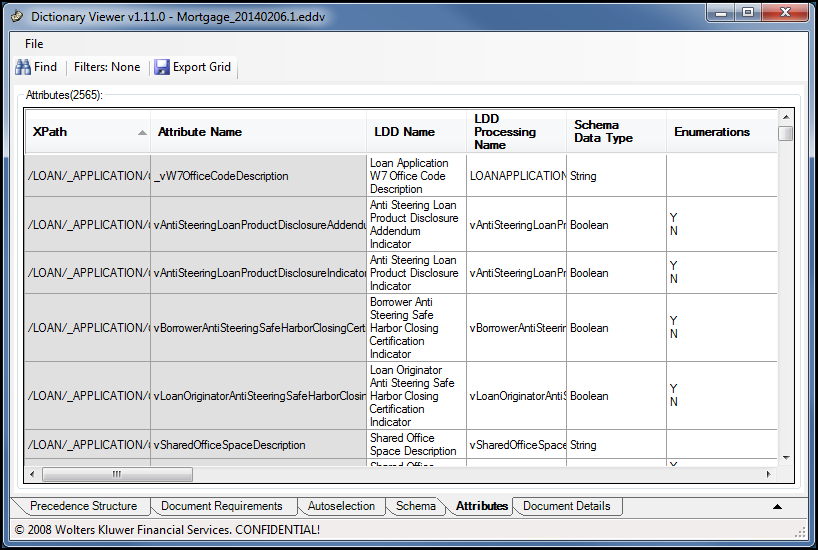
The Attributes tab displays data available in the schema in a tabular format. With a dictionary file loaded, click the Attributes tab at the bottom of the screen. The Attributes grid, containing a list of attributes associated with the repository, loads and displays in the tab. On the tab, you can adjust the width of each column and sort the column data in ascending or descending order. When scrolling across the grid, the first two columns (XPath and Attribute Name) remained fixed in position whereas all other columns are scrollable.
The list of attribute values presented in the attributes grid is based on the source schema associated with the data dictionary file (TXN or VMPMISMO). While a majority of attribute values are common across schema, there are cases where a particular value is unique to a schema.
The Attributes tab provides a search feature, filtering options, and the ability to export the attributes grid to a Microsoft Excel file (XLS).