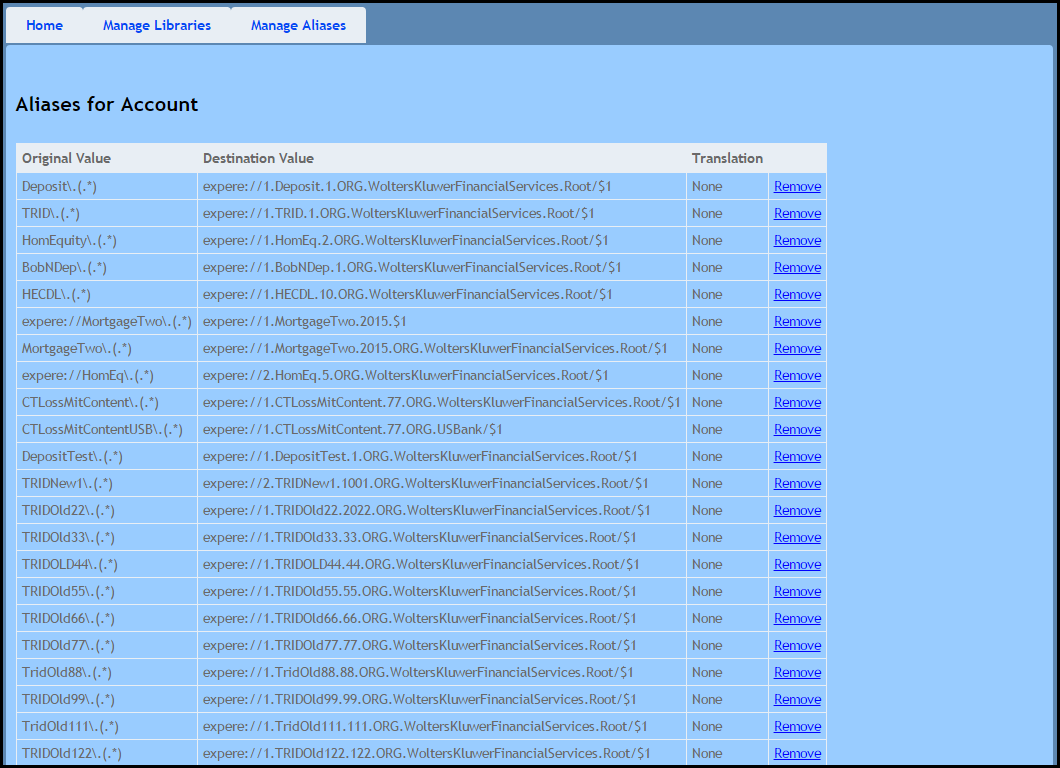
This section explains how to copy existing aliases and account information to a new account.
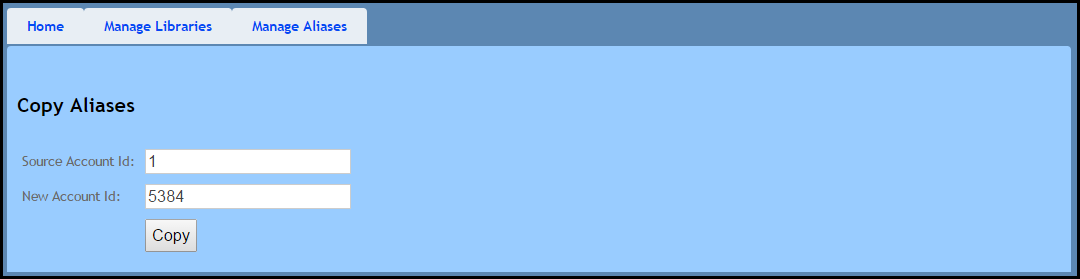
- On the Copy Aliases page, enter a Source Account Id and New Account Id.Click Copy to copy over the aliases and add permissions from the deployed libraries to the new account.
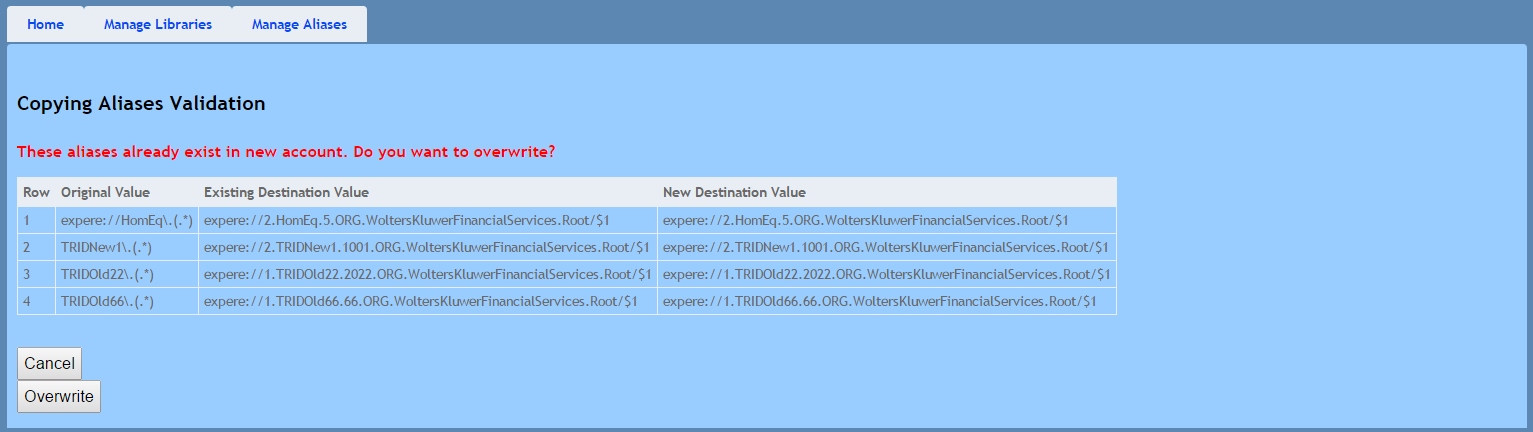
- The Copying Aliases Validation page appears if any duplicate aliases exist within the system. Perform one of the following:
- Click Cancel to return to the Copy Aliases page; no aliases will be copied.
- Click Overwrite to overwrite any duplicate aliases; the aliases utilized within the source account will be transferred to the new account.
After copying the aliases, the Aliases for Account page appears.