To find information about the dealer portal, use the Contents or Search tabs on the left panel
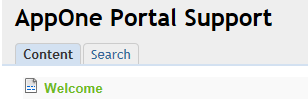
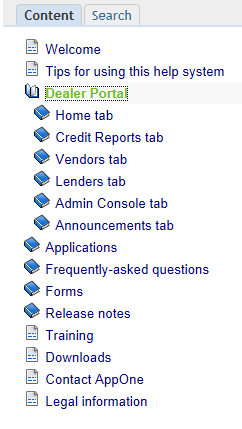
The Content tab lists available topics. You can click on a folder to open it for more information. When you click on a topic, information about that topic appears in the right panel.
In the Search tab, enter a word or words and click the Search button. The panel will display topics that match your entry.
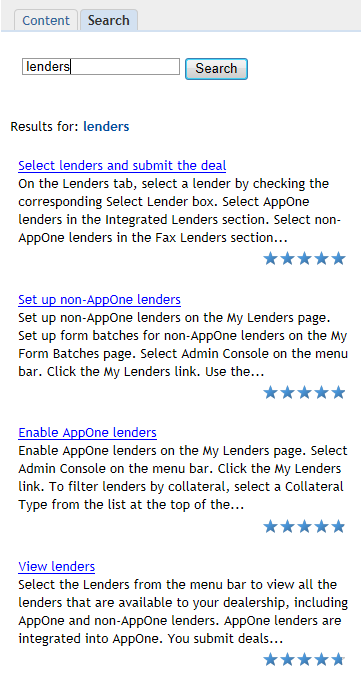
Underlined phrases are links to more information. Click the underlined phrase to view the additional information.

Click the printer icon in the upper right corner to print the page you are viewing.