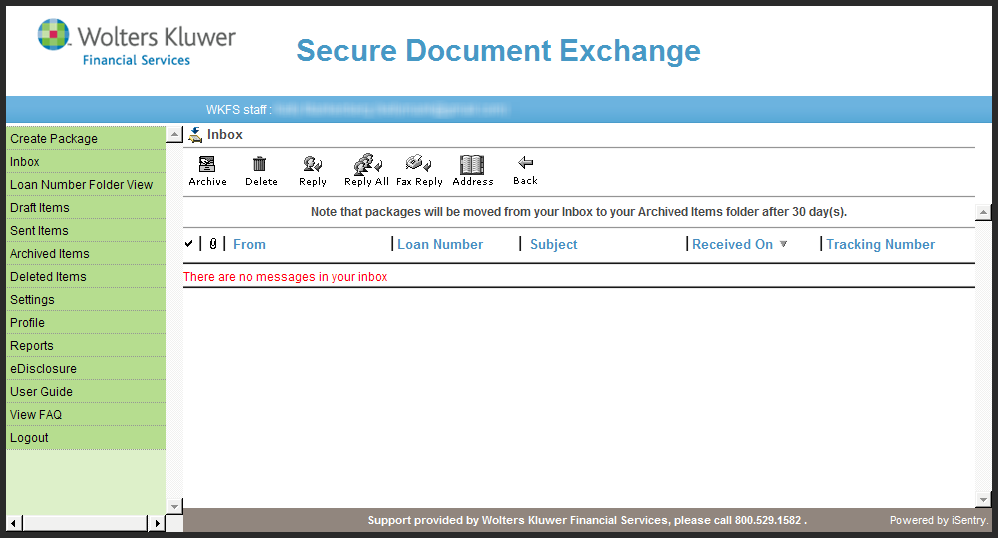
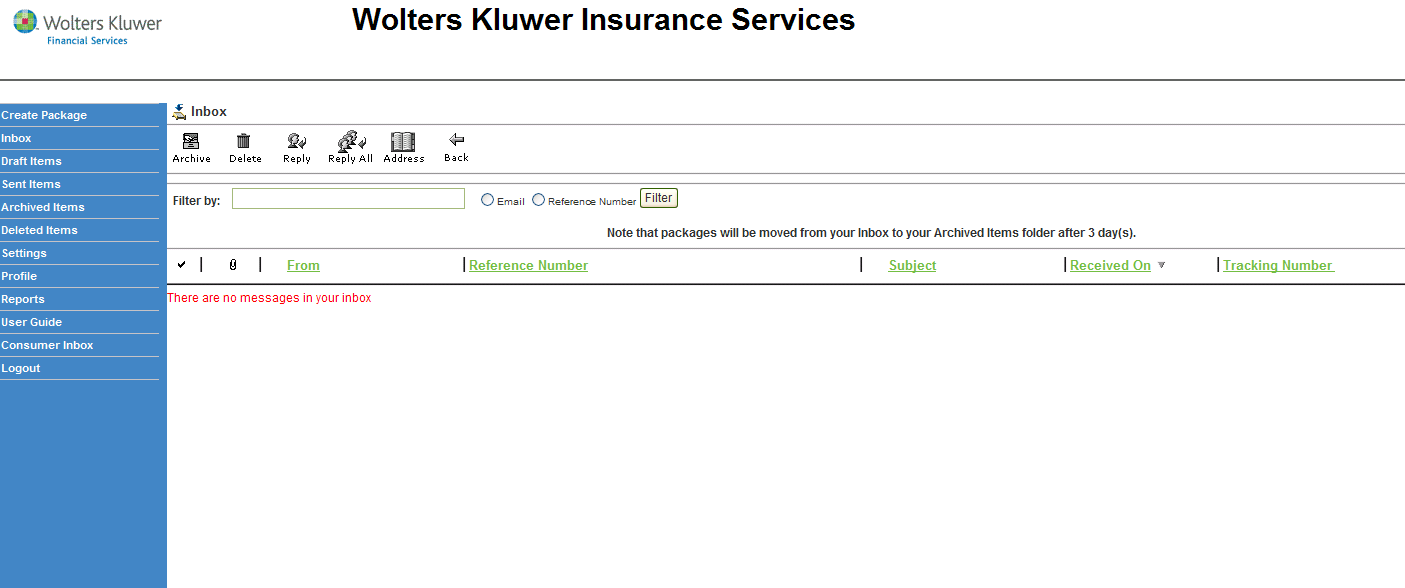
SDX utilizes a multi-step registration process.
Note: Typically, a Wolters Kluwer
Financial Services representative will perform the necessary setup for the users
at your institution. This procedure is provided for non-typical instances where
users will self-register.
-
Within your browser, navigate to the Secure Document Exchange site. The Log On
page is displayed.
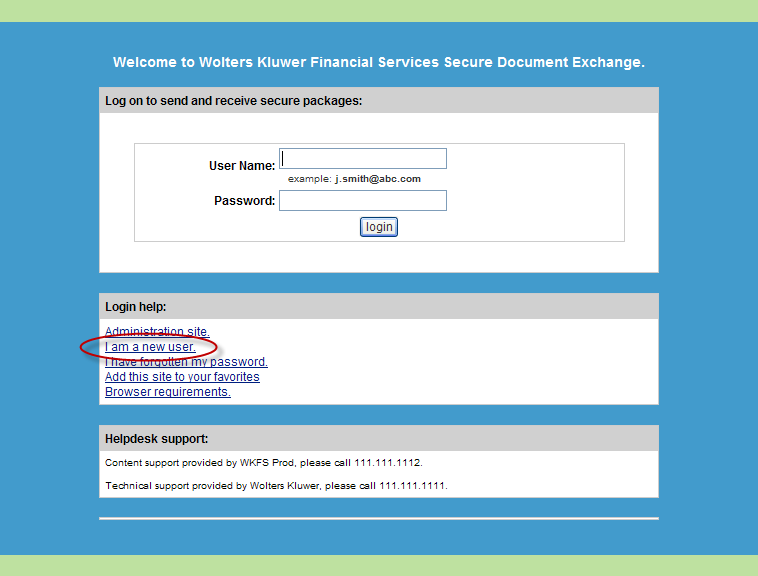
Note: The actual link may differ depending on the specific site you access. -
Click the I am a new user. link, as shown above.
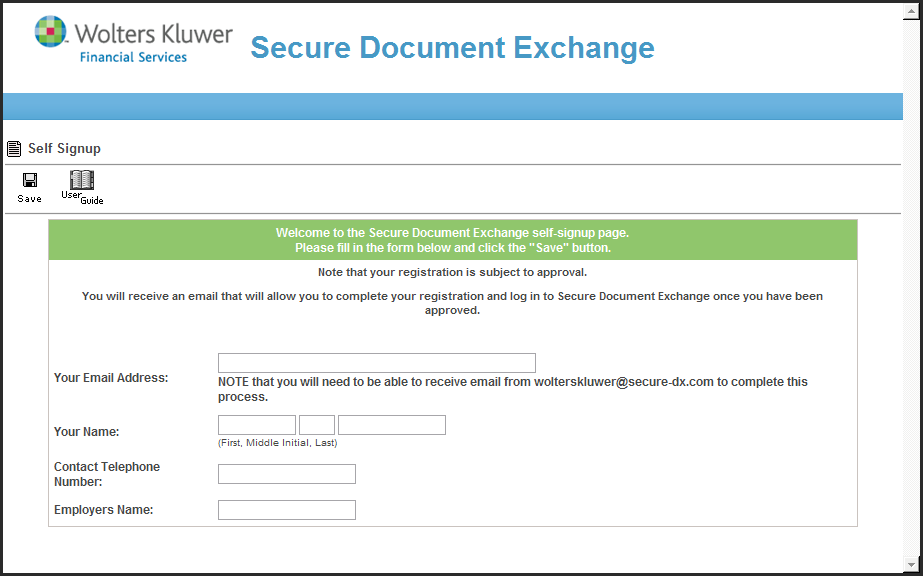
The Self Signup page is displayed.
-
Complete all fields in the Self Signup form and click Save.
Note: This information is needed later for authentication when you request Password Resets and other Help Desk related issues.A confirmation page is displayed, informing you will be notified of acceptance via email.
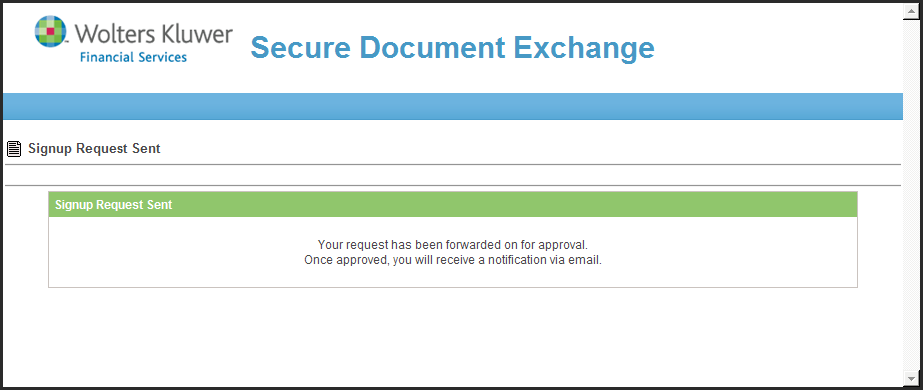 You will receive an account approval email, similar to the following example.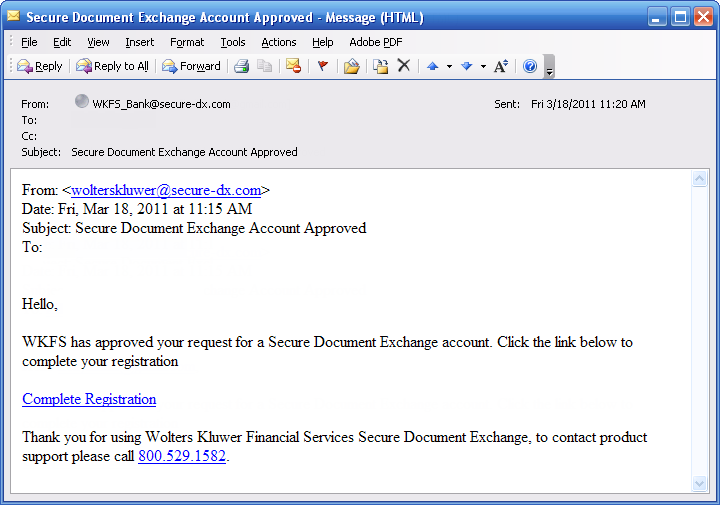
-
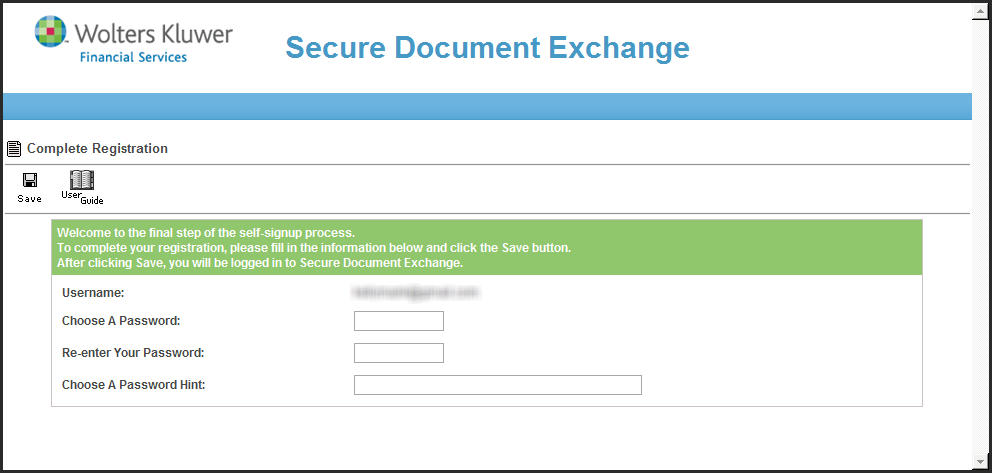
Click the Complete Registration link. The Complete Registration screen
is displayed in your browser.
-
Fill in the Complete Registration form.
Note: Passwords are not case sensitive by default, but password requirements vary by customer.After logging on successfully, your Inbox is displayed.