The following procedure will help you to retrieve your password if you forget it.
-
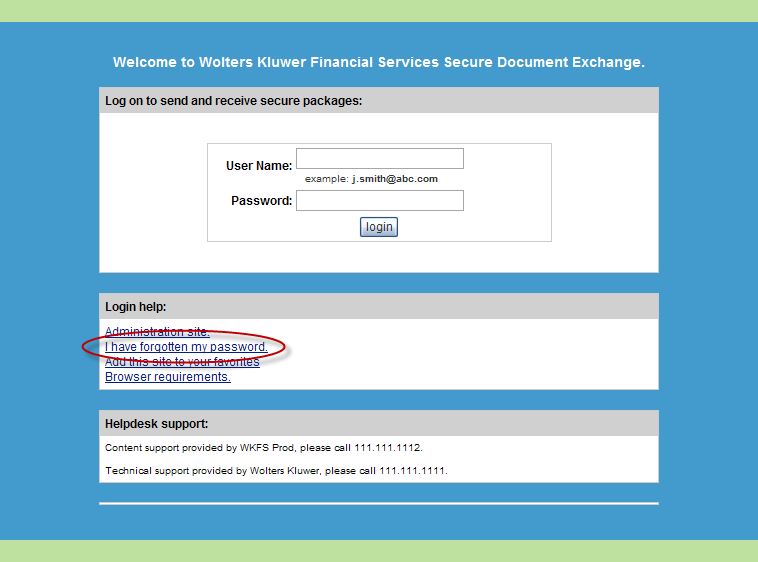
Within your browser, navigate to the following SDX site.
-
Enter your email address in the User Name field and click the I have
forgotten my password link, as shown above.
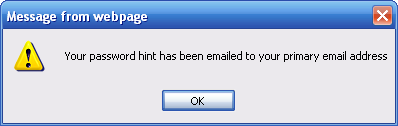
A message is displayed indicating your password has been sent to you via email.
-
Open the email you receive titled Secure Document Exchange Password Hint.
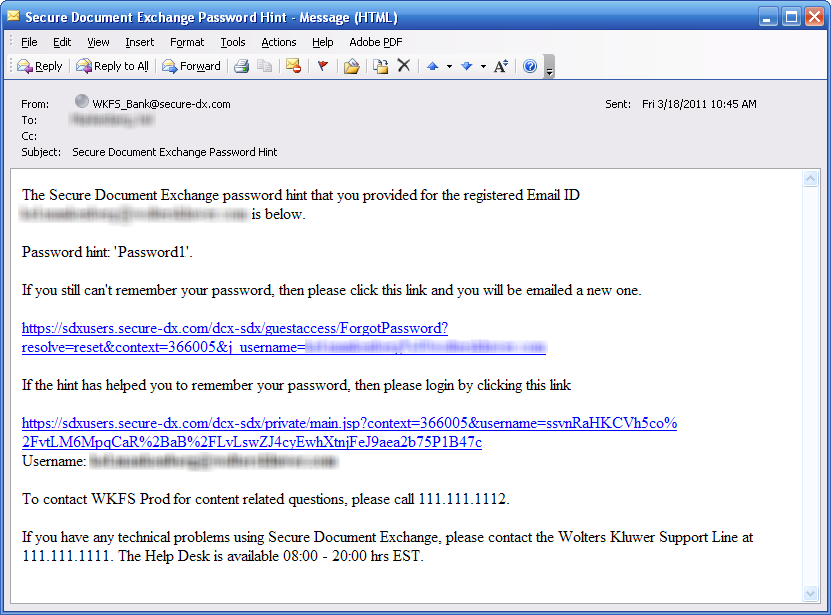
If the hint provided in the email does not help you remember your password, a link is provided allowing you to receive a new password.