If you receive a package in your Inbox that is secured with a challenge question, you must supply the correct answers to the question before the package can be opened.
To open a secure package:
-
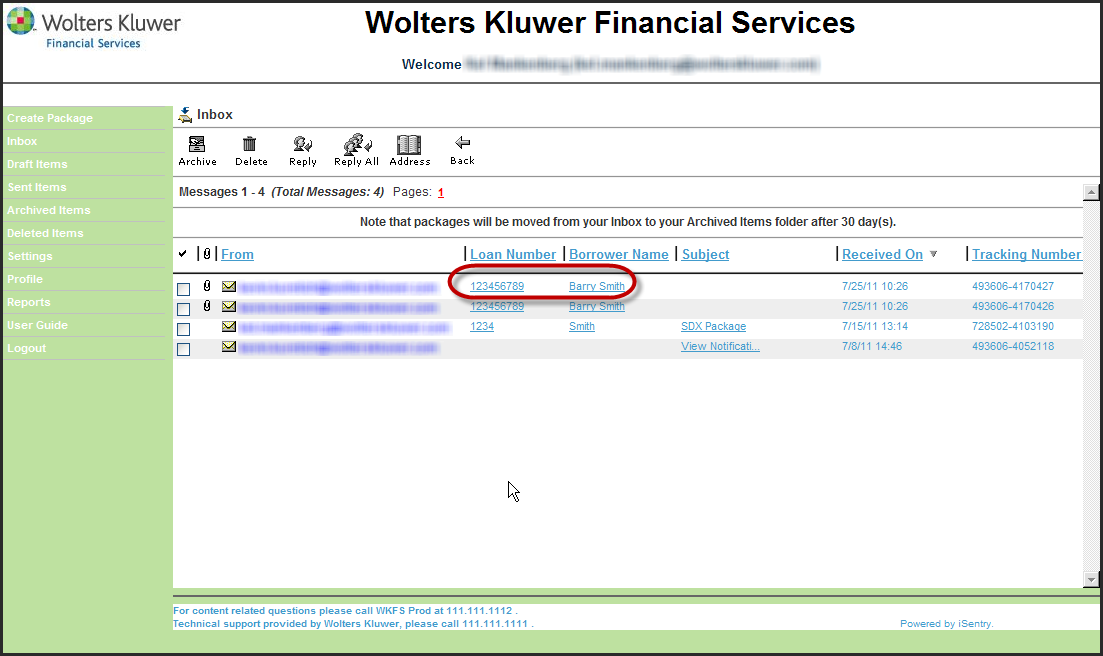
Within the Inbox, click the Loan Number or Borrower Name of the message you wish to open.
The challenge question is displayed.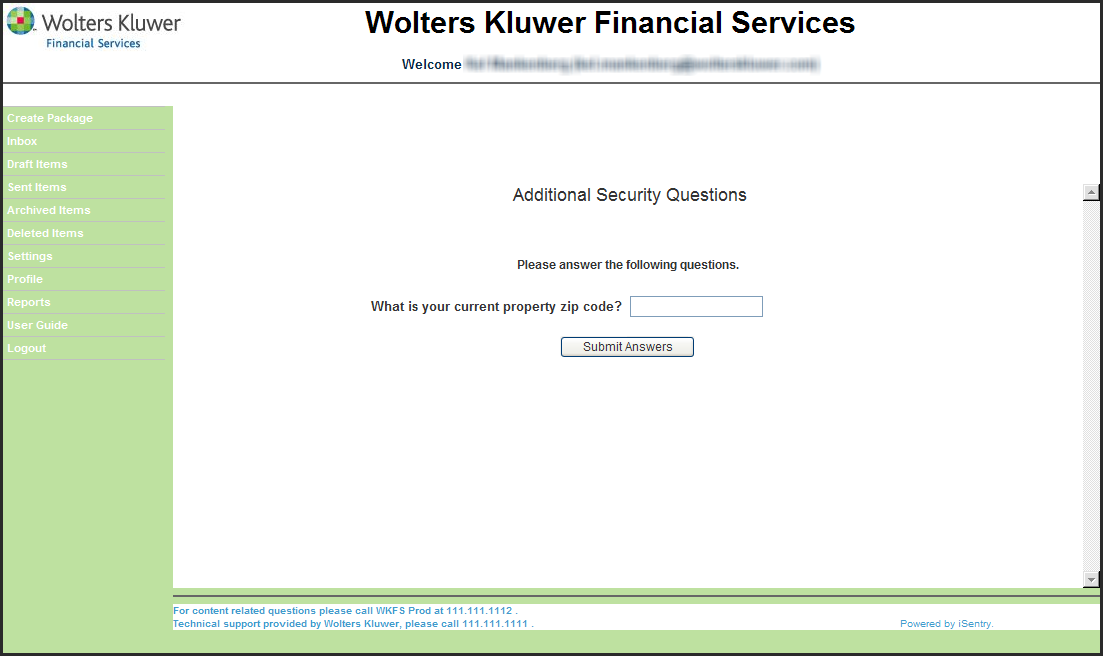
-
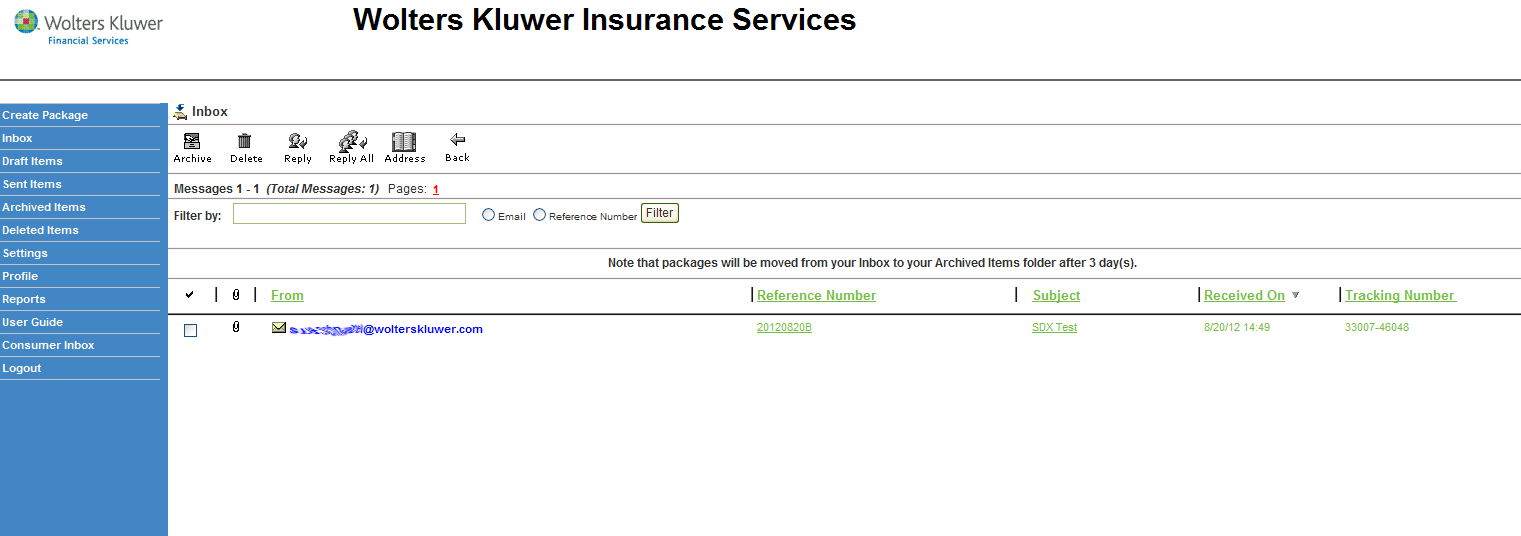
Within the Inbox, click the Reference Number of the
message you wish to open.
The challenge question is displayed. -
Enter the correct answer in the field provided and click Submit
Answers.
Note:
- After three invalid attempts to supply the correct password, you must log out of SDX and log back in to try again.
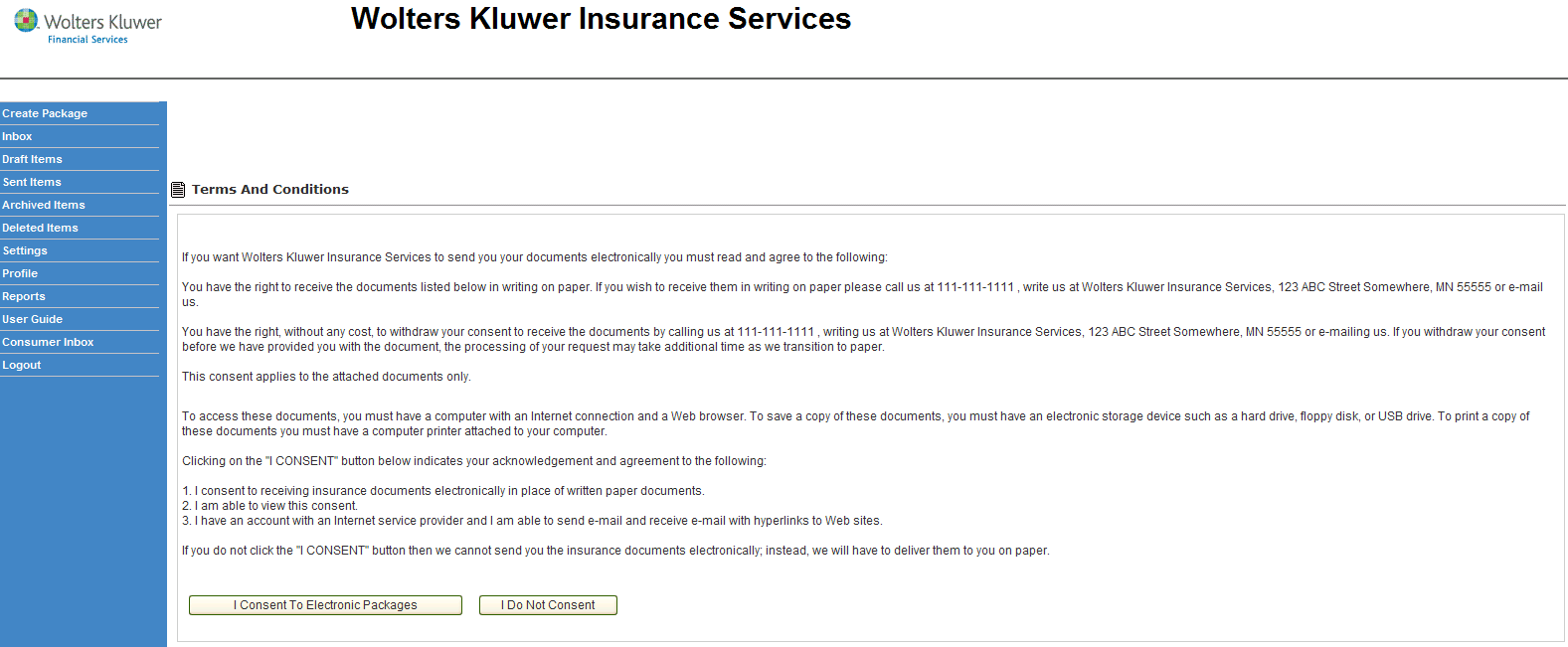
- Depending on your workflow, you may receive an additional step that requires you to Consent or not Consent to receive these documents electronically.
The Terms and Conditions screen is displayed.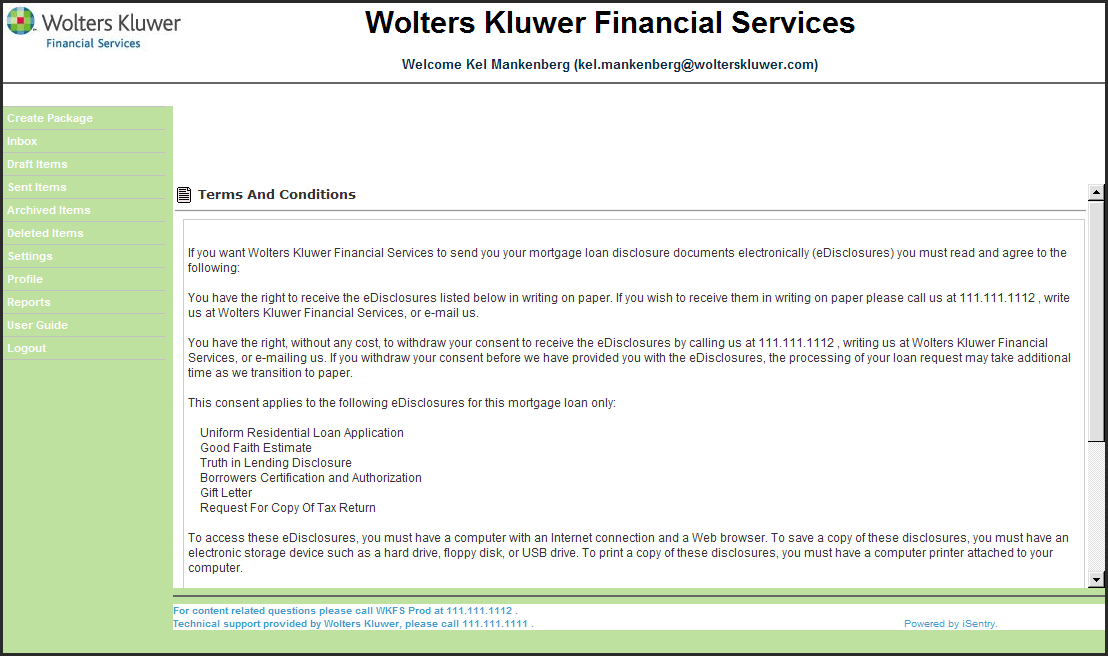
-
In order to continue, scroll to the bottom of the screen and click I Consent
To Electronic Packages.
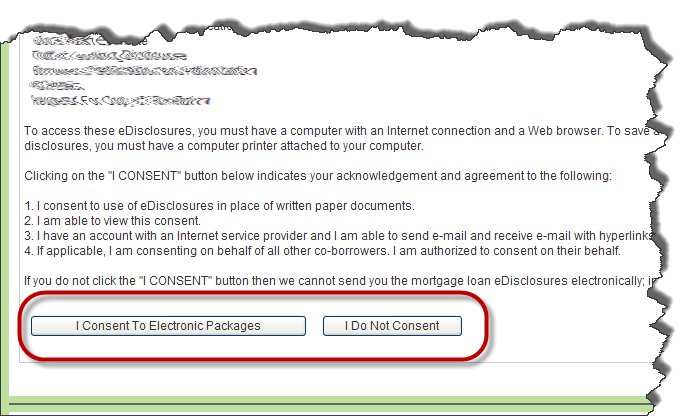
Note: If you do not consent to the terms and conditions, click I Do Not Consent. You will be logged out of SDX.After consenting, the package is opened and displayed.