To delete messages from the Inbox or other folders (except the Deleted Items
folder):
-
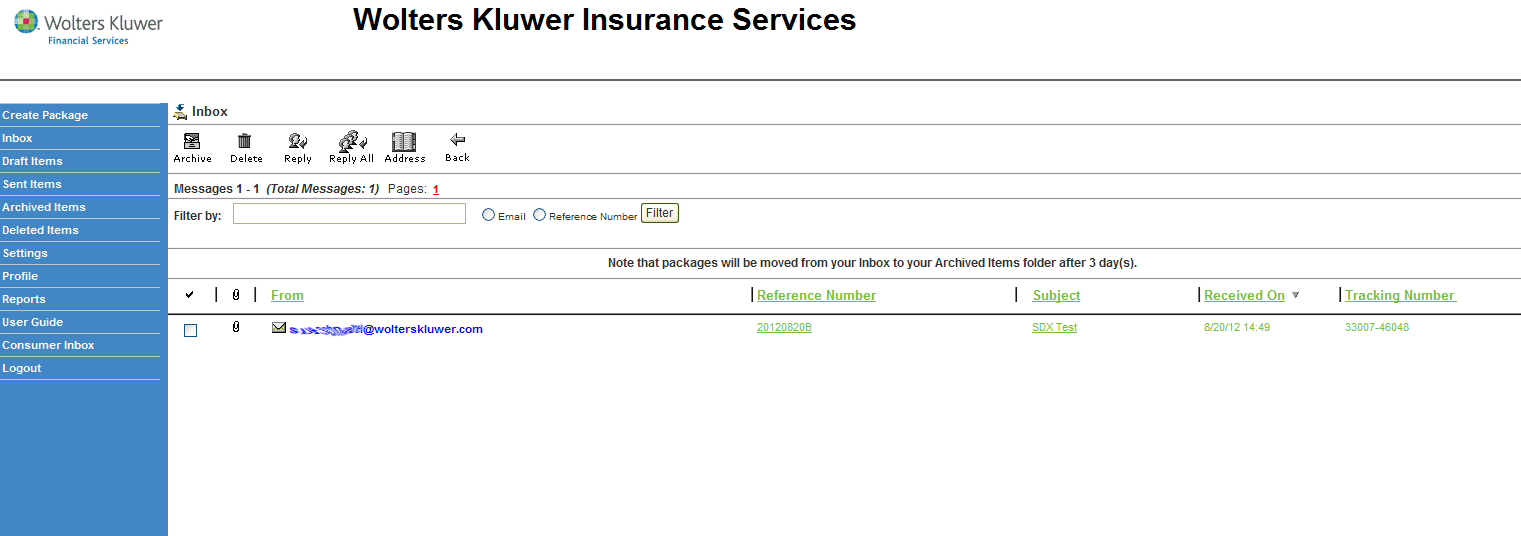
Click Inbox, Sent Items or Archived Items from the
navigation menu and choose the messages you want to delete.
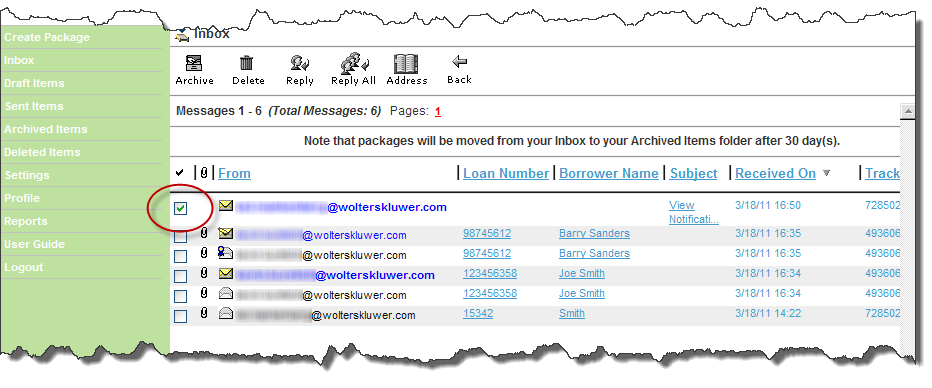
Note:- To select a single message, select its check box.
- To cancel the selection of a message, clear its check box.
- To select or cancel the selection of all messages, click the check mark icon (
 ).
).