To update your contact information, such as phone numbers, address and e-mail aliases:
- Click Profile on the navigation menu. The My Profile screen is displayed.
-
If necessary, click the Personal tab. Your personal contact information
is displayed.
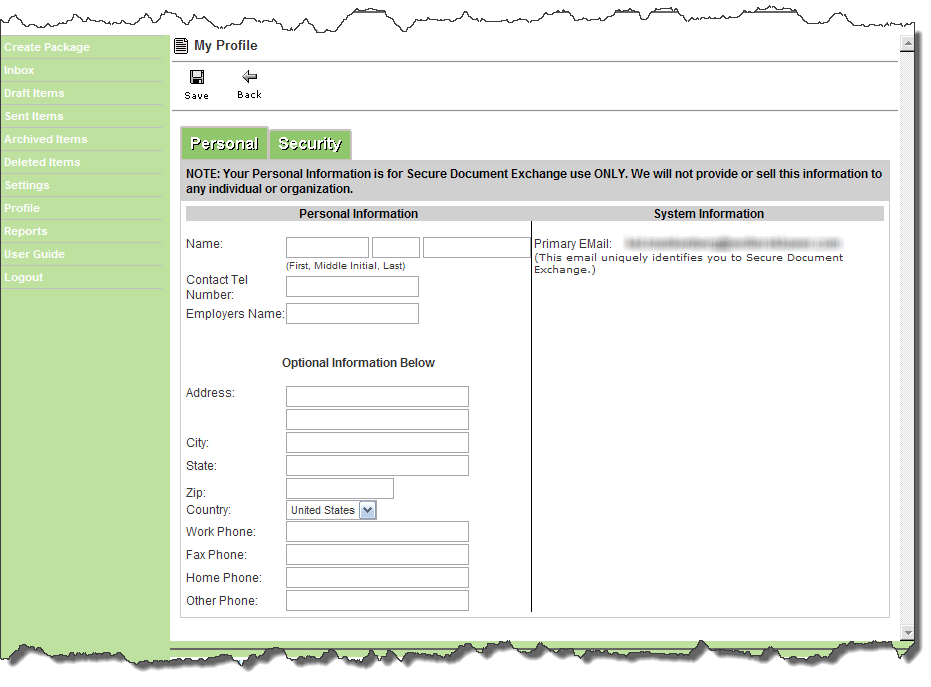
- Add or modify the informational fields as needed.
- Click Save before leaving the My Profile screen.