This procedure describes how to re-push a push status notification that was not received
due to a problem with either the server receiving the push status notification or the
Internet.
Note: Re-push functionality is not available for SmartConsent status
pushes.
- Log in to SDX Administration.
- From the menu on the left, under Support select Tracking. The
Tracking window displays.
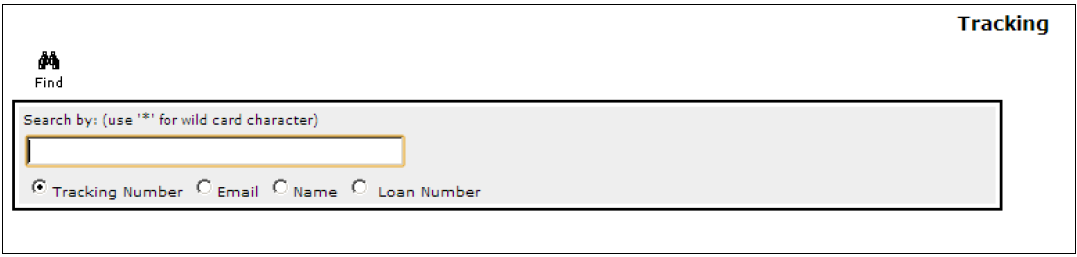
- Enter the tracking number (Package ID) and press Enter.

- From the search results, select the package. The Package details display.
- In the Workflow Details section of the window, select the RePush
button to complete the manual re-push.

- In the Workflow Details section of the window, select the RePush
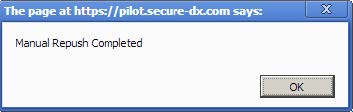
button to complete the manual re-push. A confirmation message displays.
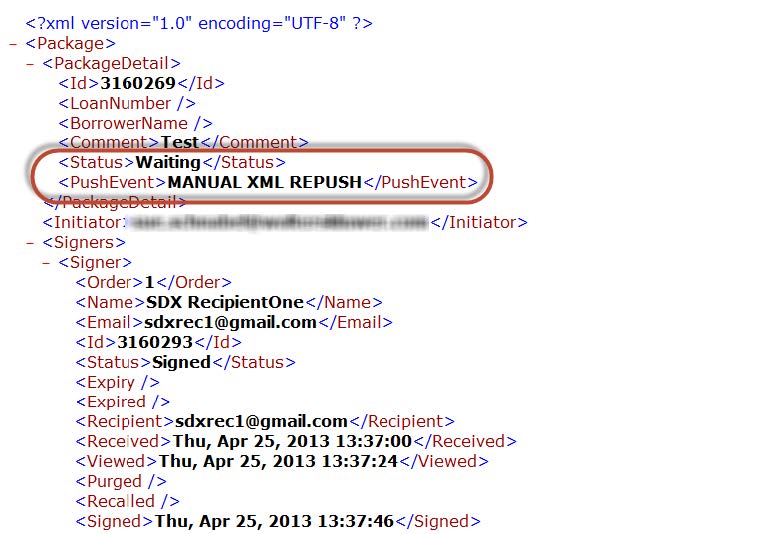
- As shown below, there is a push event for MANUAL XML REPUSH and the
status displays the last status given for the package.