Status fields are defined at the user level. Many customers choose to use a system ID to submit all SDX packages on behalf staff members. When a system ID is used for single signer packages, the push status credentials are set up for the system user only. When multi-signature packages are submitted, the push status credentials must be set up for each initiator.
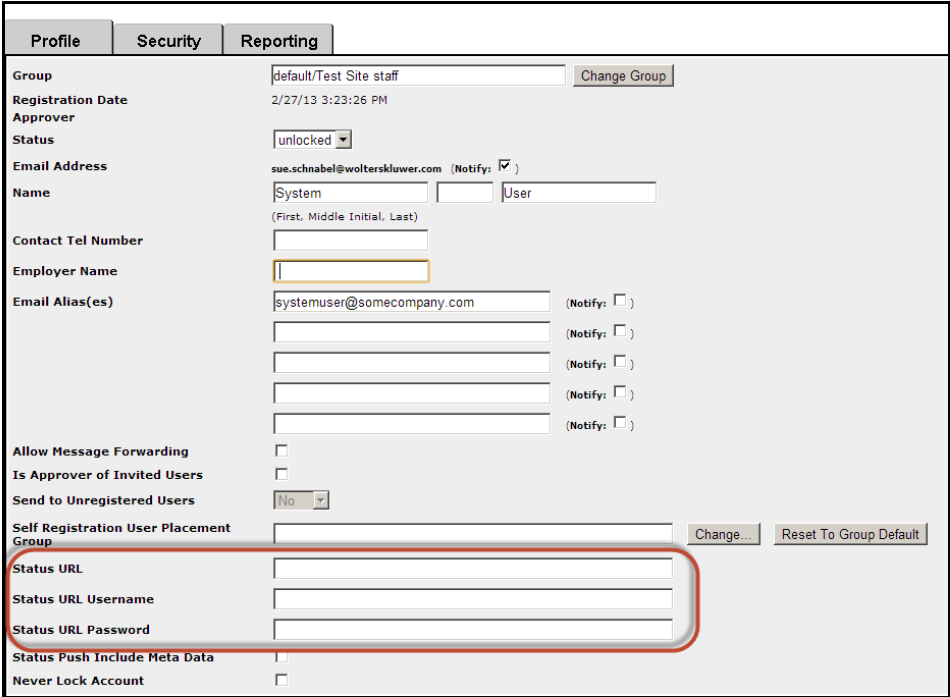
The status fields highlighted in the image above are used as follows:
- Status URL: URL of the customer’s internet facing web server set to receive the push status.
- Status URL Username: Username used to log in to the web server .
- Status URL Password: Password used to log in to the web server.
- Status Push Include Meta Data: Check this box to indicate that the status push information should include the metadata. If this box is left clear, only Tracking ID, Status, and PushEvent will be sent. If you require the loan number or other data, all metadata must be pushed.