The Windows Credentials tab allows you to provide user credentials to access specific watch
folders. This is typically only necessary when the watched folder is not located on the
SDX-Onsite server, but a
network drive.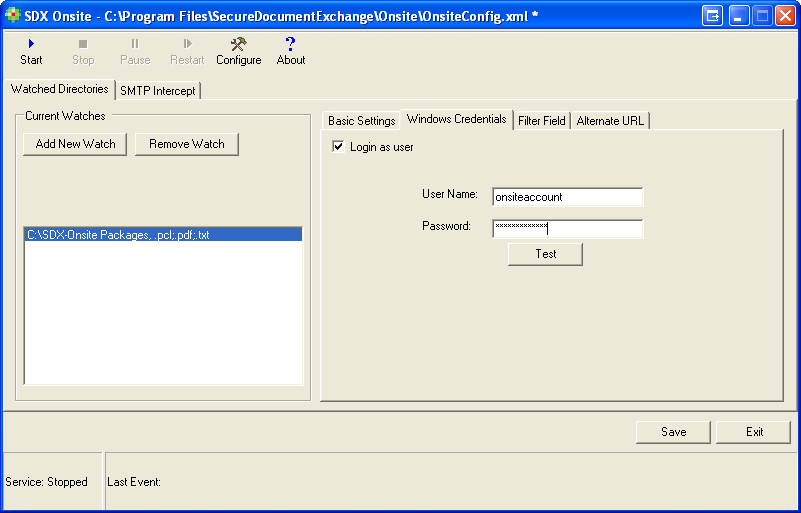
To provide Windows user account credentials, select a watched folder from the Watched Folder list, select Login as user, and provide the user name and password. Click Test to verify the credentials were entered correctly.