Note: The following procedure refers to the SDX Capture icon on the Windows Desktop.
If you do not have an icon on the Desktop, refer to Creating a Desktop
Icon for instructions on creating one.
Double-click the SDX Capture icon on your desktop. The SDX Capture window
appears.
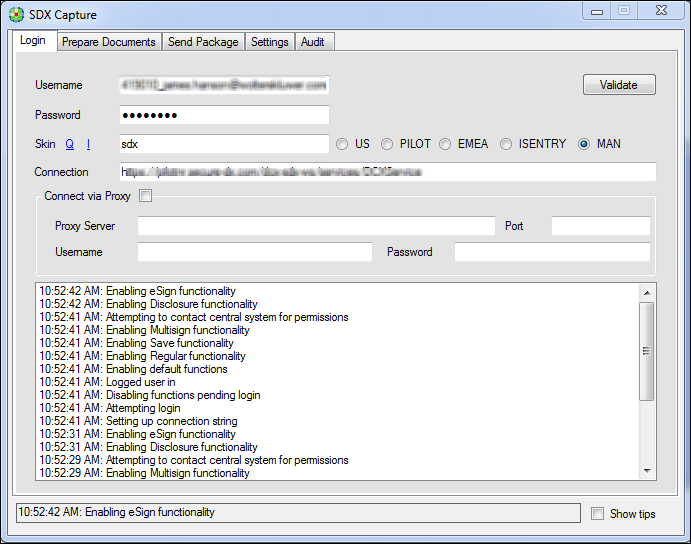
The following tabs exist:
- Login — Confirm your username and password and select your connection URL.
- Prepare Documents — Add or remove document attachments for Standard, Disclosure, and Multi-signature document packages.
- Prepare Documents - Add or remove documents for SDX packages.
- Send Package — Send a message with your attachments to another SDX recipient.
- Settings — View or modify your SDX Capture printer settings, as well as paper fullfillment and PDF settings.
- Audit — View sent files by ID number and type.