This procedure describes how to install or update Capture to a newer version.
Before you begin: You must remove Capture (and bioPDF, if applicable) from your system before updating to the current version of Capture.
You may receive a .msi file from Wolters Kluwer Financial Services. Open the file. The instructions begin at this point.
-
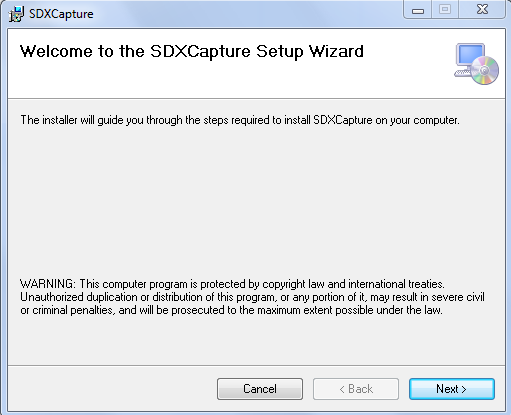
Double-click the SDX Capture installation file. The Welcome screen
displays.
-
Click Next. The Select Installation Folder screen displays.
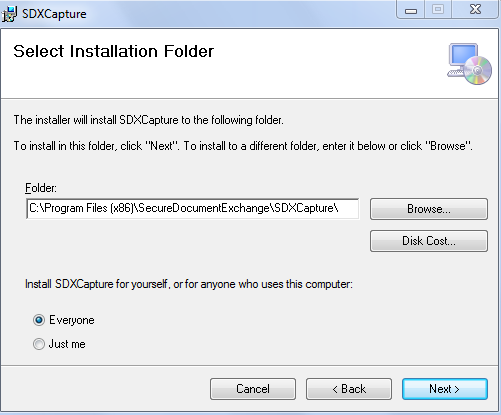
To select a folder other than the default location, click Browse and select a folder. -
Click Next. The Confirm Installation screen displays.
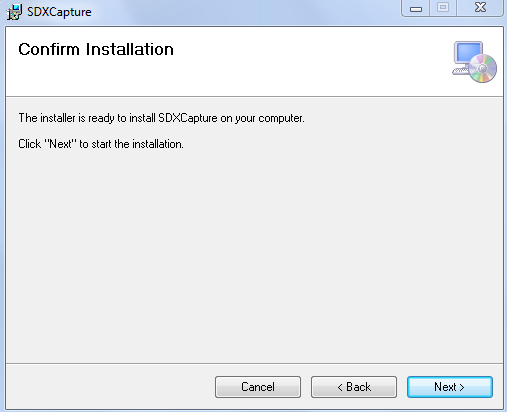
If you wish to make changes to any previous choices, click Back. -
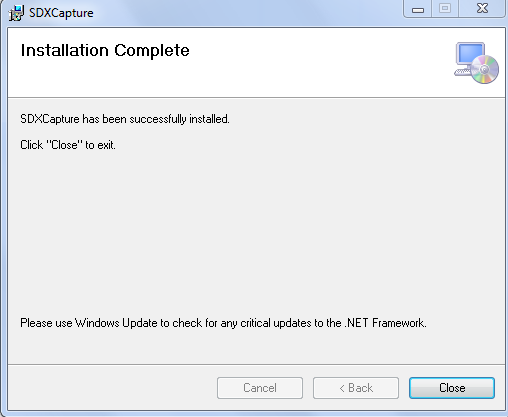
Click Next. The Installation Complete screen confirms a successful
installation .