
Reviewing documentation for the Expere Authoring Tools (Whiskey) team and EDS (Hercules) is handled completely within your browser using Oxygen Content Fusion. All items sent to the team for review are prepared by the team’s technical writer.
Request for Review
All requests for reviews to the reviewer through an email sent by the technical writer. Within the email is a link to the item to be reviewed.
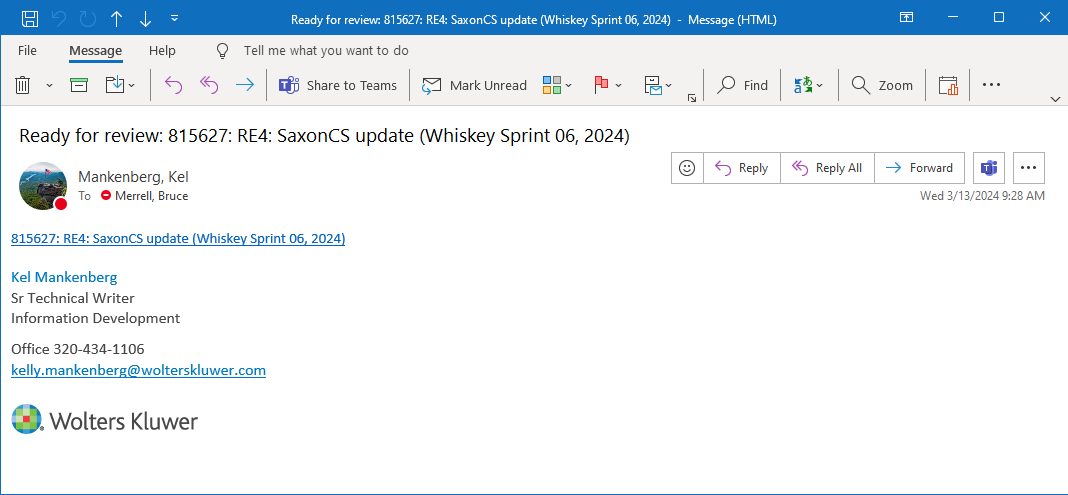
Clicking the link brings you to the task within Oxygen Content Fusion in your browser.
Reviewing the topic
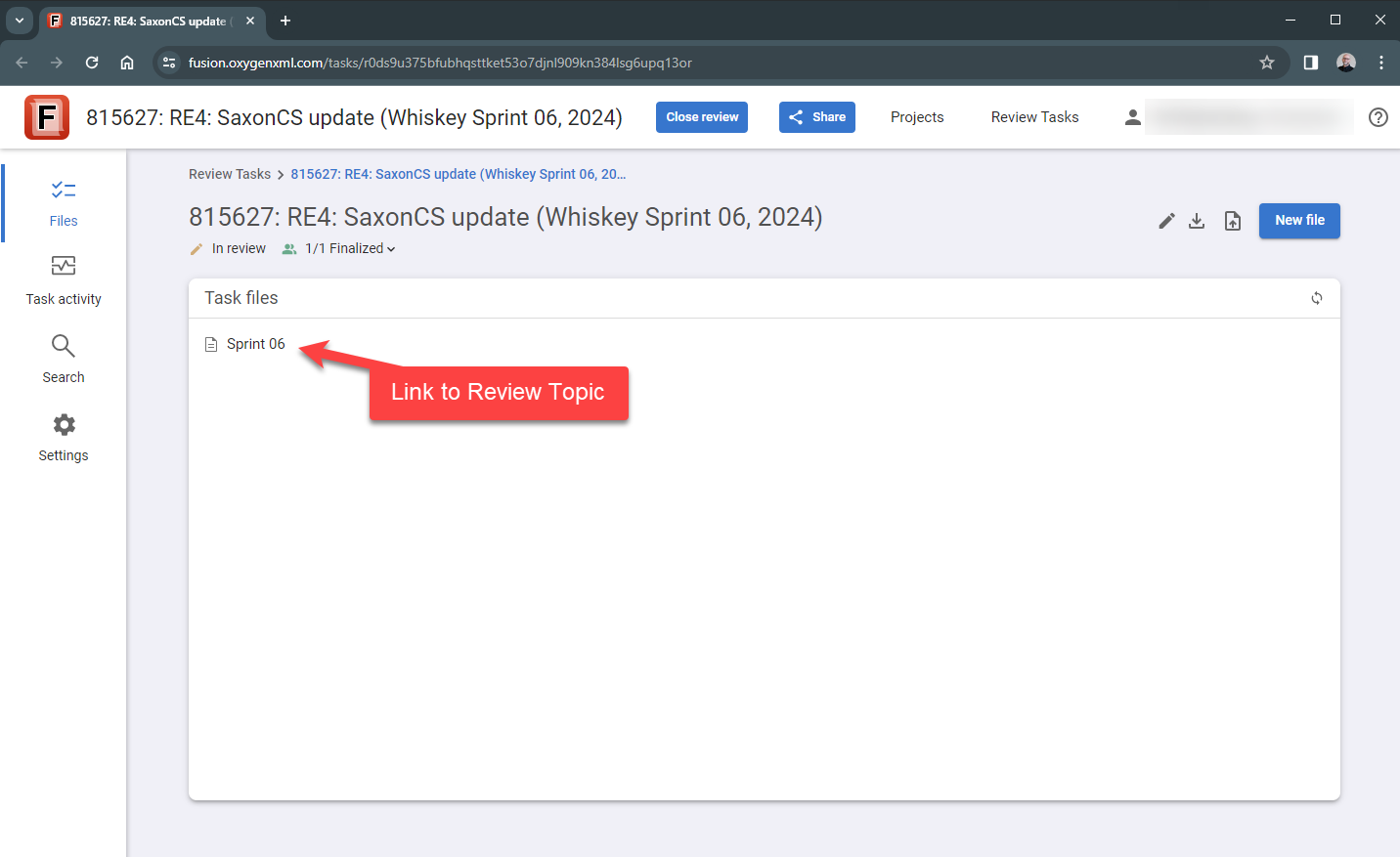
With the item open in your browser, click the task file(s) to enter review mode. There may be multiple Task files in this list, and each item requires review.
For the Whiskey team, there may be many items within the page being reviewed, but only a certain few would pertain to your current review task. To help you identify the topic to review, the PBI number is located within a the title and the comment set by the technical writer.
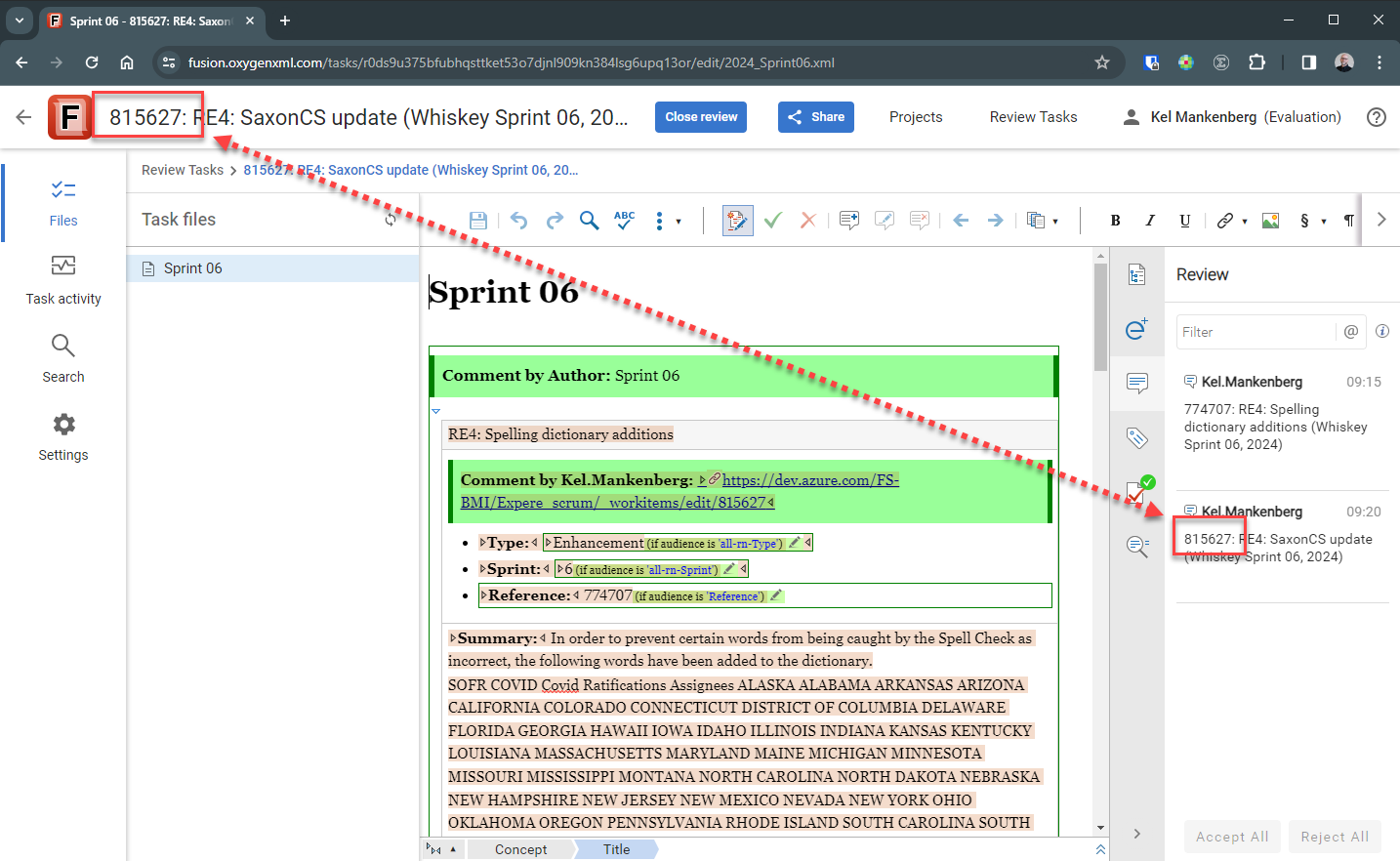
Clicking on the comment (on the right side of the page) will highlight the topic and bring it into view.
When you are finished reviewing (editing content, leaving comments, etc.) click Finalize my review.
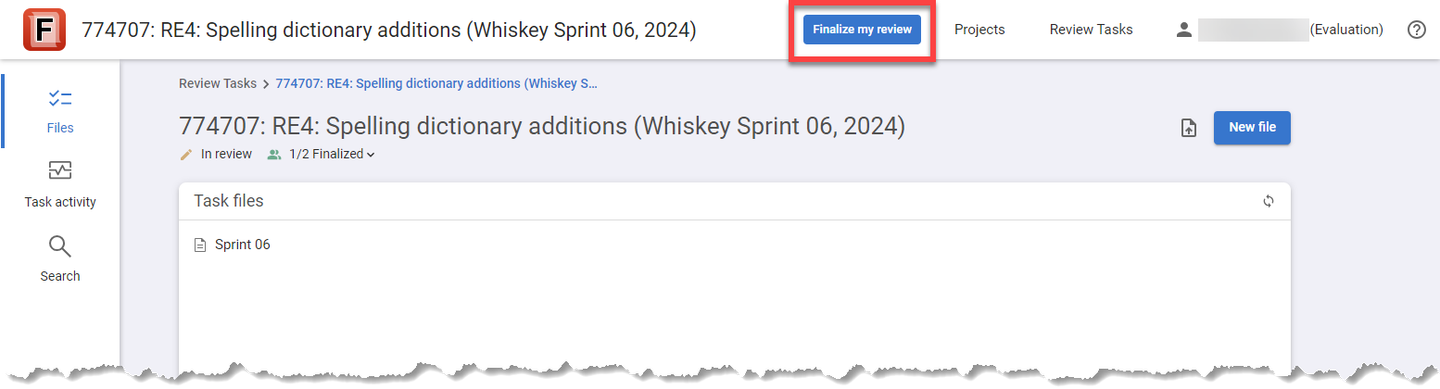
A confirmation message appears. Click OK to finish your task. An email message is sent to the technical writer to indicate you have completed your review task.