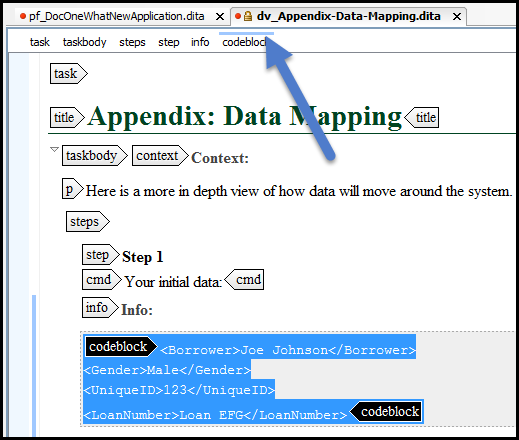
Breadcrumbs are navigational items that appear at the top of the Author view, indicating XML elements nested within the body of a file. A left-hand side stripe paints a vertical thin light blue bar indicating the span of the element found at caret position.
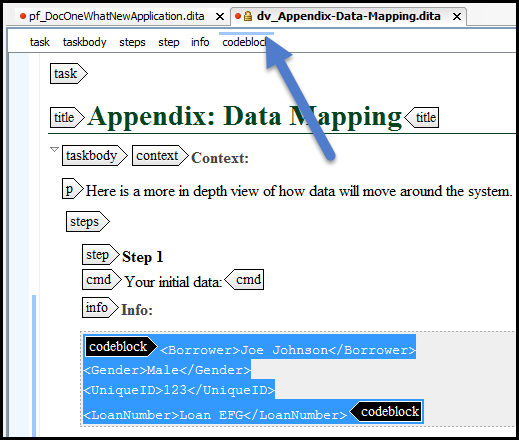
The breadcrumb in Author view
The last element is also highlighted by a thin light blue bar for easier identification. Clicking one element from the top stripe selects the entire element in the editor view. Selecting a particular element in the breadcrumbs highlights that element in the Author view.