Types of lists
There are four distinct general purpose list types in DITA, each of which is rendered differently in the output. The four list types in base DITA consist of the following:
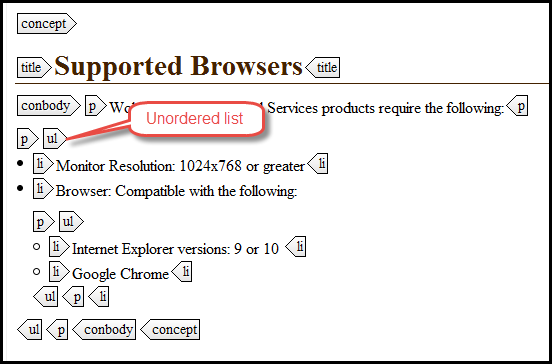
- Bulleted (unordered) Lists: An unordered list (ul) is one where the order of items in the list is not important. The list is usually rendered with bullets against each list item. The items are typically blocks of text.
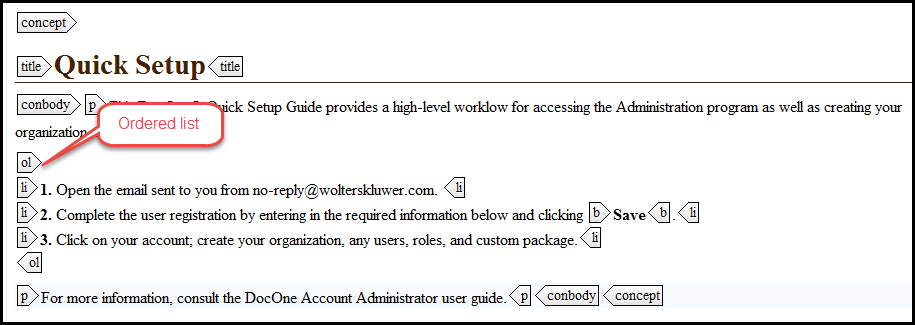
- Numbered (ordered) Lists: An ordered list (ol) is one where the order of items is critical to the meaning. The list is usually rendered with sequential numbers against the list items.
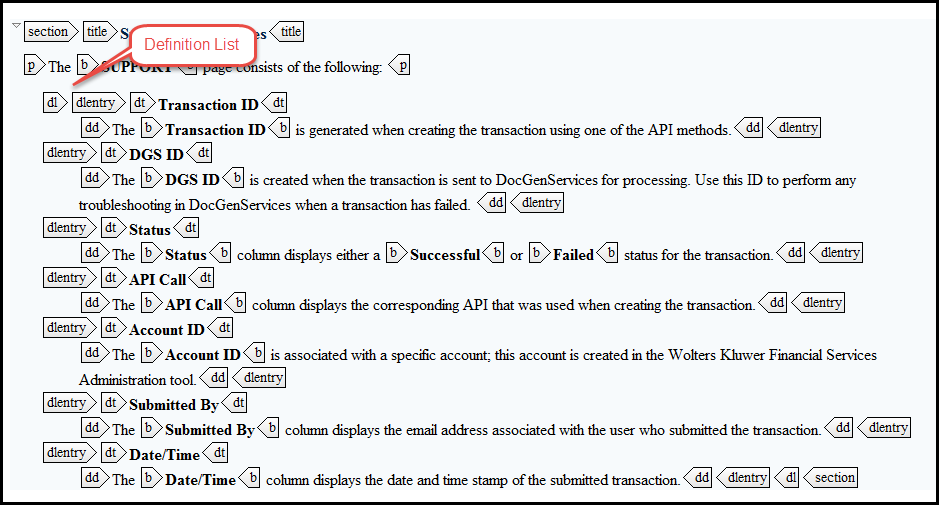
- Definition Lists: A definition list (dl) is one comprising a set of terms and corresponding definitions. The list is usually rendered with definitions indented from the term and on the next line, or with definitions indented from the term on the same line as the term.
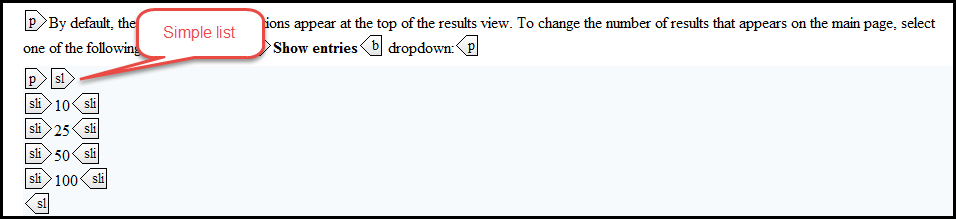
- Simple Lists: A simple list (sl) is one where the items in the list are short phrases, and where the order of items in the list is not important. The list is usually rendered with each item on a separate line, without bullets or numbers.
Typically, best practices dictate that we use unordered and ordered lists as well as definition lists when working with our content; as mentioned above the simple list is just that, a simple list without bullets or numbers.Choose a list type by considering the nature of the list, not by the way you think the list will be rendered in the output.
Examples
Bulleted (unordered) lists
In this example, a list of supported browsers appears in no particular order.
Numbered (ordered) lists
In this example, a sequential list of steps appears; the user should follow these steps in the order presented below.
Definition lists
In this example, each screen item is presented with its corresponding definition.
Simple Lists
In this example, a list of simple options are presented.
Attachments:
 Unordered-Lists.png (image/png)
 Ordered-list.png (image/png)
 Definition-List.png (image/png)
 Simple-List.png (image/png)
