This procedure explains how to remove the Related Links published in a Webhelp transformation. Related links appear by default during processing unless this procedure is performed for the ditamap.
Notes
- This procedure applies to oXygen XML Editor version 16 only.
- This procedure is required only once for a ditamap. Values are saved with the ditamap.
Step-by-step guide
- Open your ditamap within the Ditamaps Manager of oXygen 16.
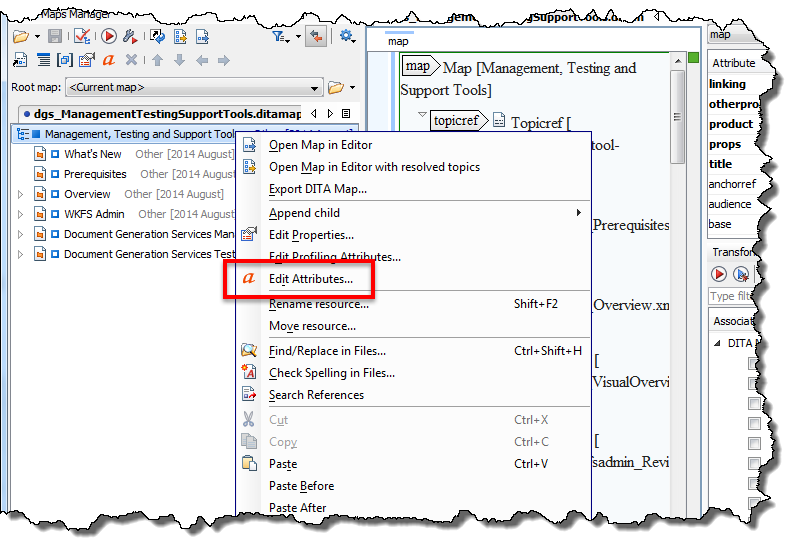
- Right-click the ditamap and select Edit Attributes...
- Within the Name list, select linking.
- Within the Value list, select none.
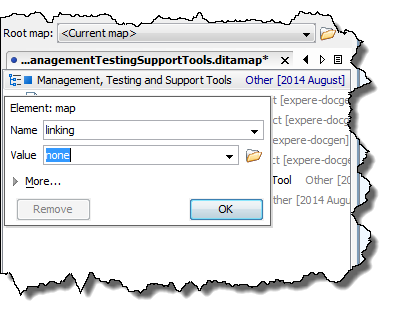
- Click OK.
Related articles

