Examples
Definitions below courtesy of Darwin Information Typing Architecture (DITA) Version 1.2, Oasis standard: http://docs.oasis-open.org/dita/v1.2/os/spec/DITA1.2-spec.html#audience
Paragraph
A paragraph element (<p>) is a block of text containing a single main idea.

Codeblock
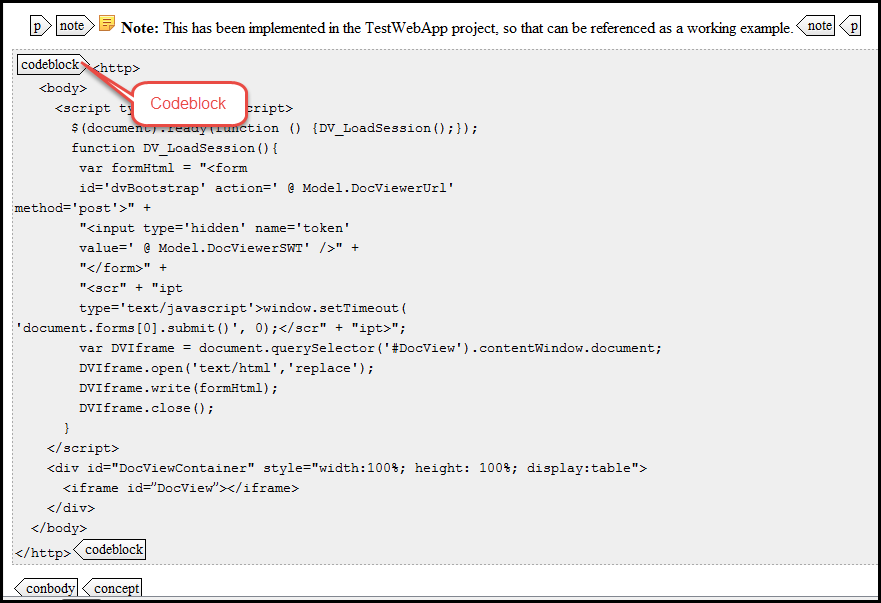
The <codeblock> element represents lines of program code. Like the <pre> element, line endings and spaces inside the element must be preserved, and the content is typically rendered in a monospaced font. This element is part of the DITA programming domain, a special set of DITA elements designed to document programming tasks, concepts, and reference information.
Steps
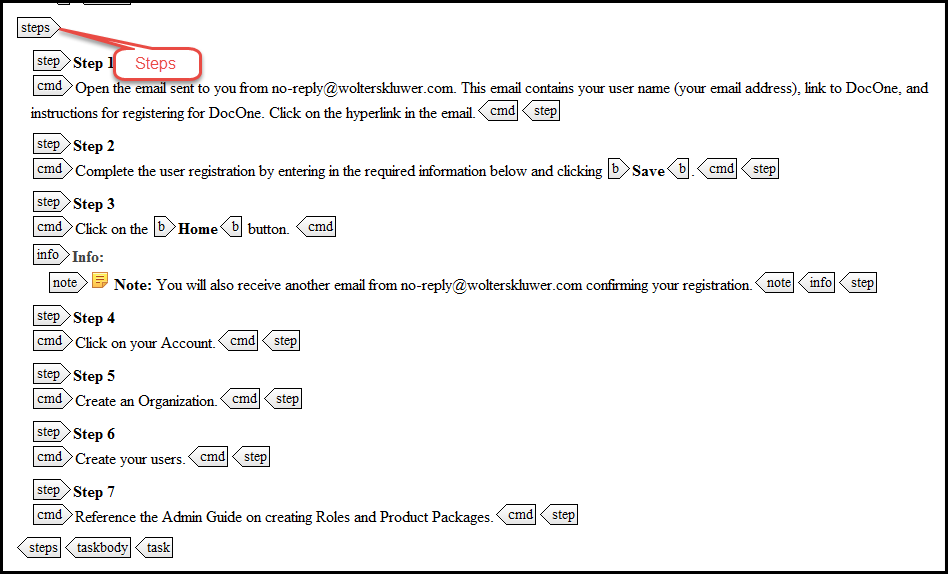
The <steps> element provides the main content of a task topic. The task is described as a series of steps that the user must follow to accomplish the task. At least one <step> element is required inside the <steps> element.
Title
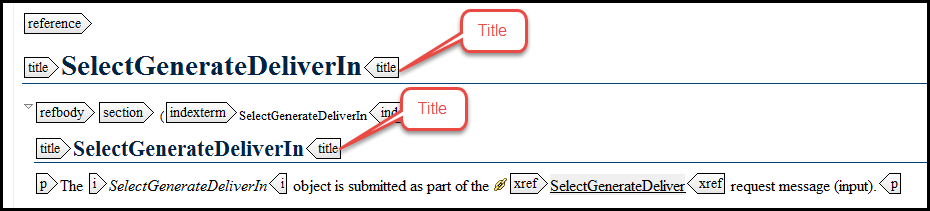
The <title> element contains a heading or label for the main parts of a topic, including the topic as a whole, its sections and examples, and its labelled content, such as figures and tables. Beginning with DITA 1.1, the element may also be used to provide a title for a map. With DITA 1.2, the element is also available in reltables, although in the reltable a title is typically used for reference information (not for content displayed to an end user).
Unordered list
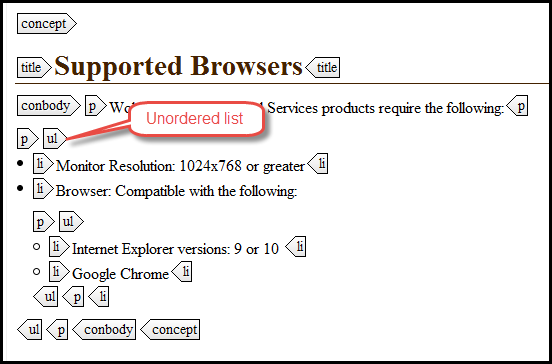
An unordered list (ul) is one where the order of items in the list is not important. The list is usually rendered with bullets against each list item. The items are typically blocks of text.
For more information
Attachments:
 Unordered-Lists.png (image/png)
 steps-element.png (image/png)
 paragraph-element.png (image/png)
 codeblock-element.png (image/png)
 Title-block-element.png (image/png)
