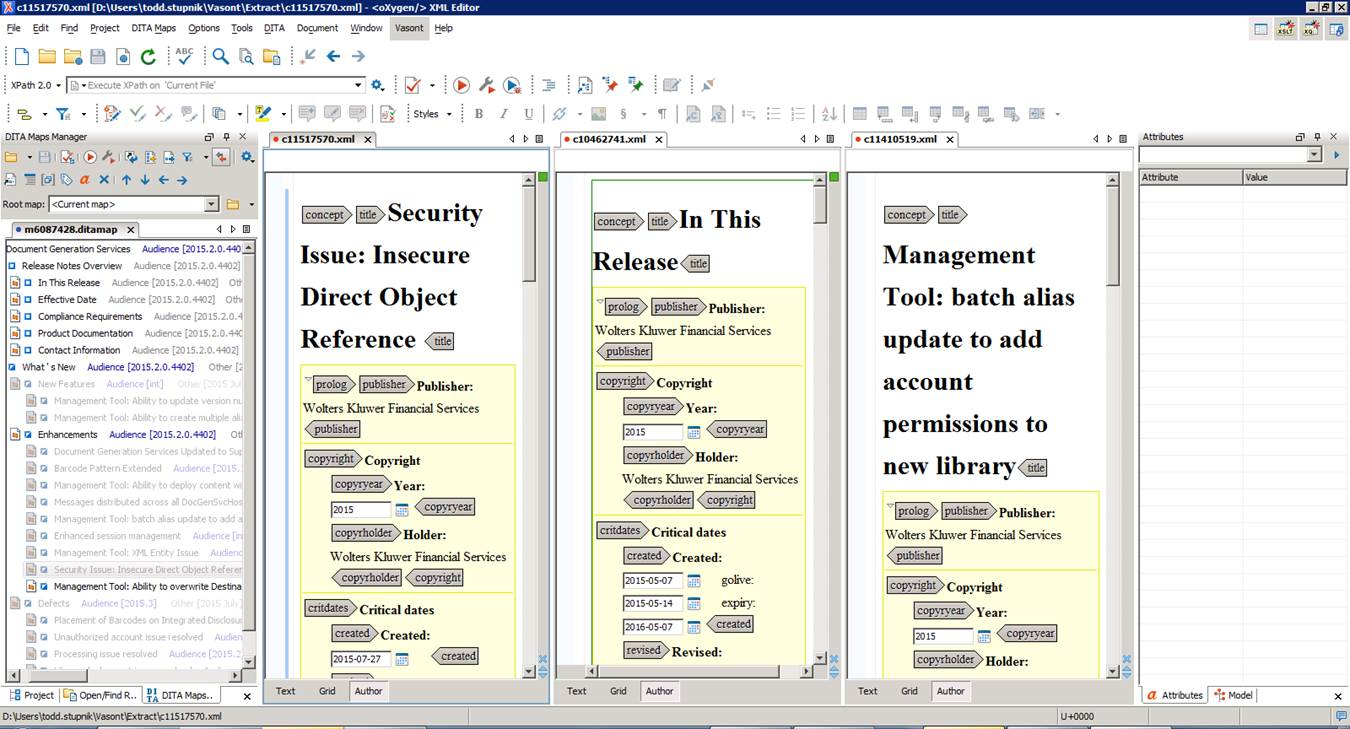
User-initiated Oxygen 17.0 maintenance is required through a webkit download; an odd tiling behavior existed with DITA topics and maps. Note the following:
- In the DITA Maps Manager: if multiple maps are open, each map is tiled rather than just the map's tab appearing.
- in the Author view: if multiple topics are open, each topic is tiled, rather than the topic's tab appearing.
While using the Oxygen Window/Stack Tiles menu option to resolve the topics tiling, a menu option does not exist to resolve the maps. You can attempt to drag/drop each map, but that behavior is erratic.
Maintenance Required
Before downloading: use Chrome for optimal performance. This maintenance pack actually uninstalls your existing version of Oxygen 17.0 and replaces it with an updated version.
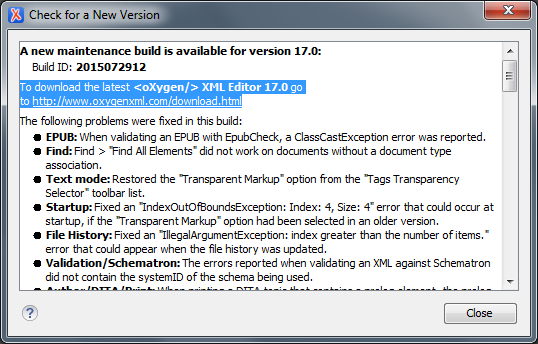
- Open Oxygen 17.0; click Help/Check for a New Version.
- To download the latest <oXygen/> XML Editor 17.0 go to http://www.oxygenxml.com/download.html.
- From the download site, click the Download button for EDITOR.
- Click the Download button under Windows 64-bit…
- The download will begin automatically; in some cases, particularly when working remotely, the entire download process may take several minutes.
- Click Oxygen-64bit.exe to begin the install process. NOTE: uninstall the previous version of Oxygen 17.0.
- Click Finish. NOTE: Remove and add (re-pin) any task bar icons as necessary