A party, Individual, Entity or Sole Proprietorship, must be created to be included in an account or loan.
A new party can be created using the features of the Parties Screen.
To create a party:
-
Click + Individual, + Entiry or + Sole Proprietorship.
The Individual Information screen is displayed.
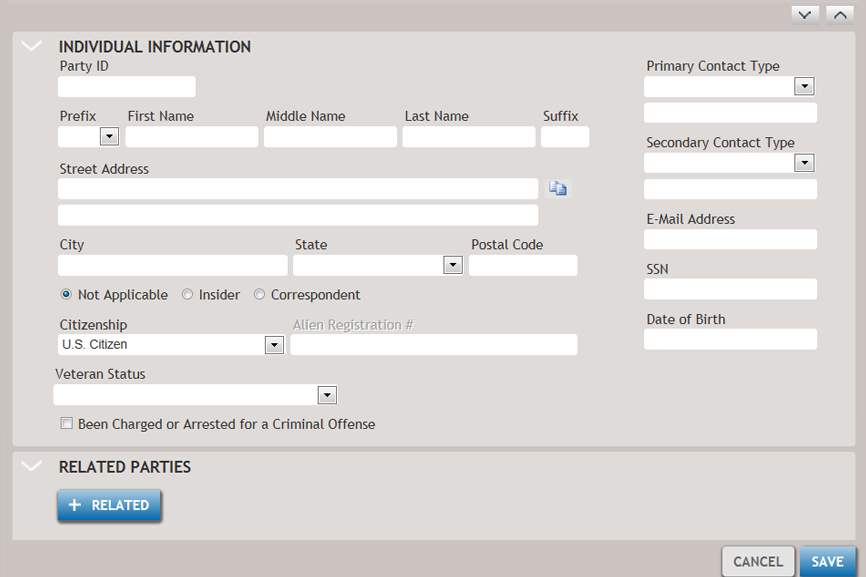
For this example, a new individual party is created, and + Individual is clicked. -
Optionally, you can relate other parties to the new individual by clicking
+Related.
The Related Parties search screen is displayed, allowing you to perform a search for any party (Individual, Entity or Sole Proprietorship) currently in the system.
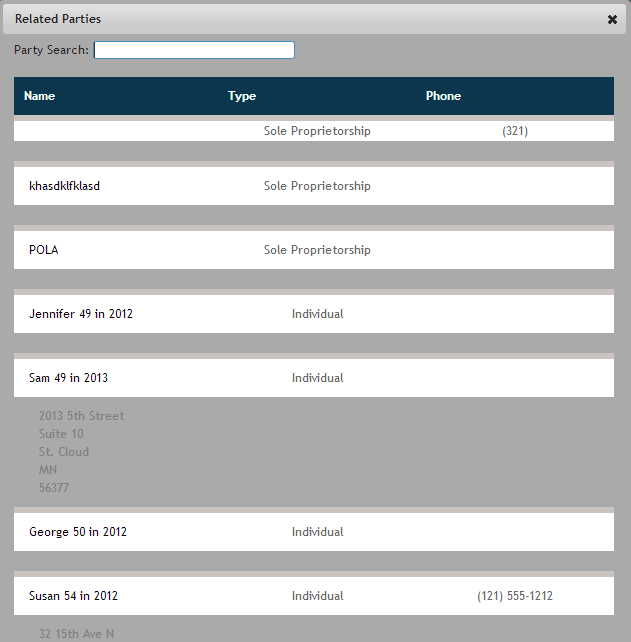
Multiple parties can be associated as Related Parties by doing multiple searches. All parties selected appear under the Related Parties section of the Individual Information screen. -
When all information is entered, click Save.
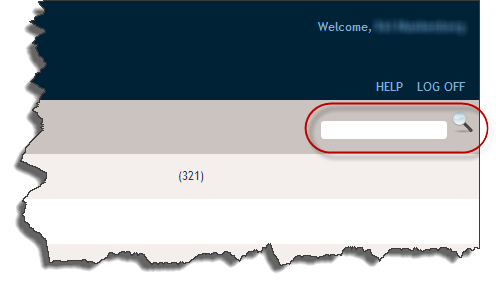
The new party information is saved to the system you are returned to the Parties screen. The new party information can be verified by performing a search for the party in the Search field.