To create an organization:
-
From the Navigation menu, click
Organizations.
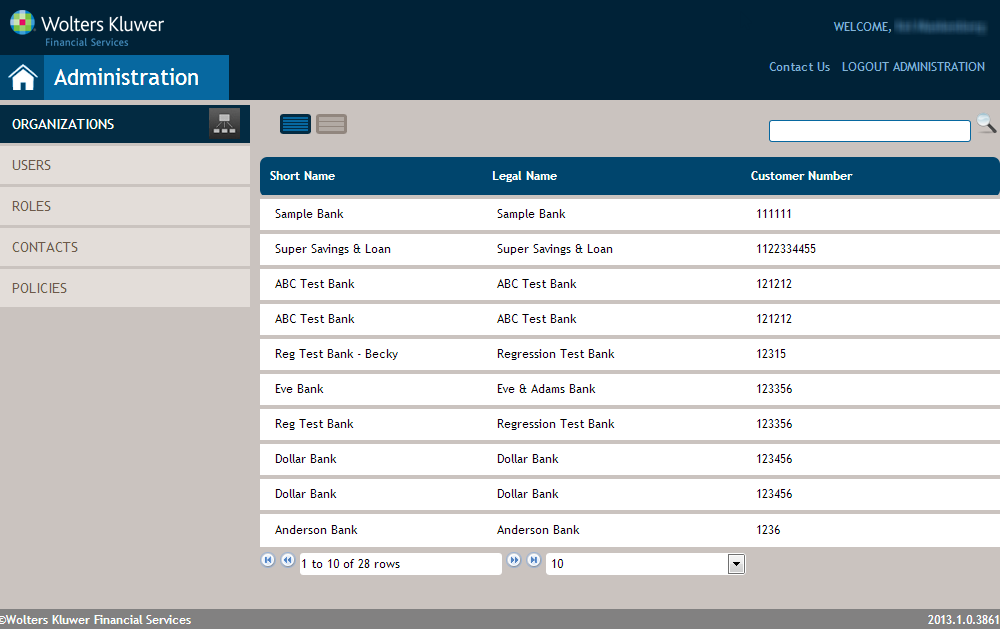
The Organizations page is displayed.
-
Hover over the disred parent organization and click +ORG.
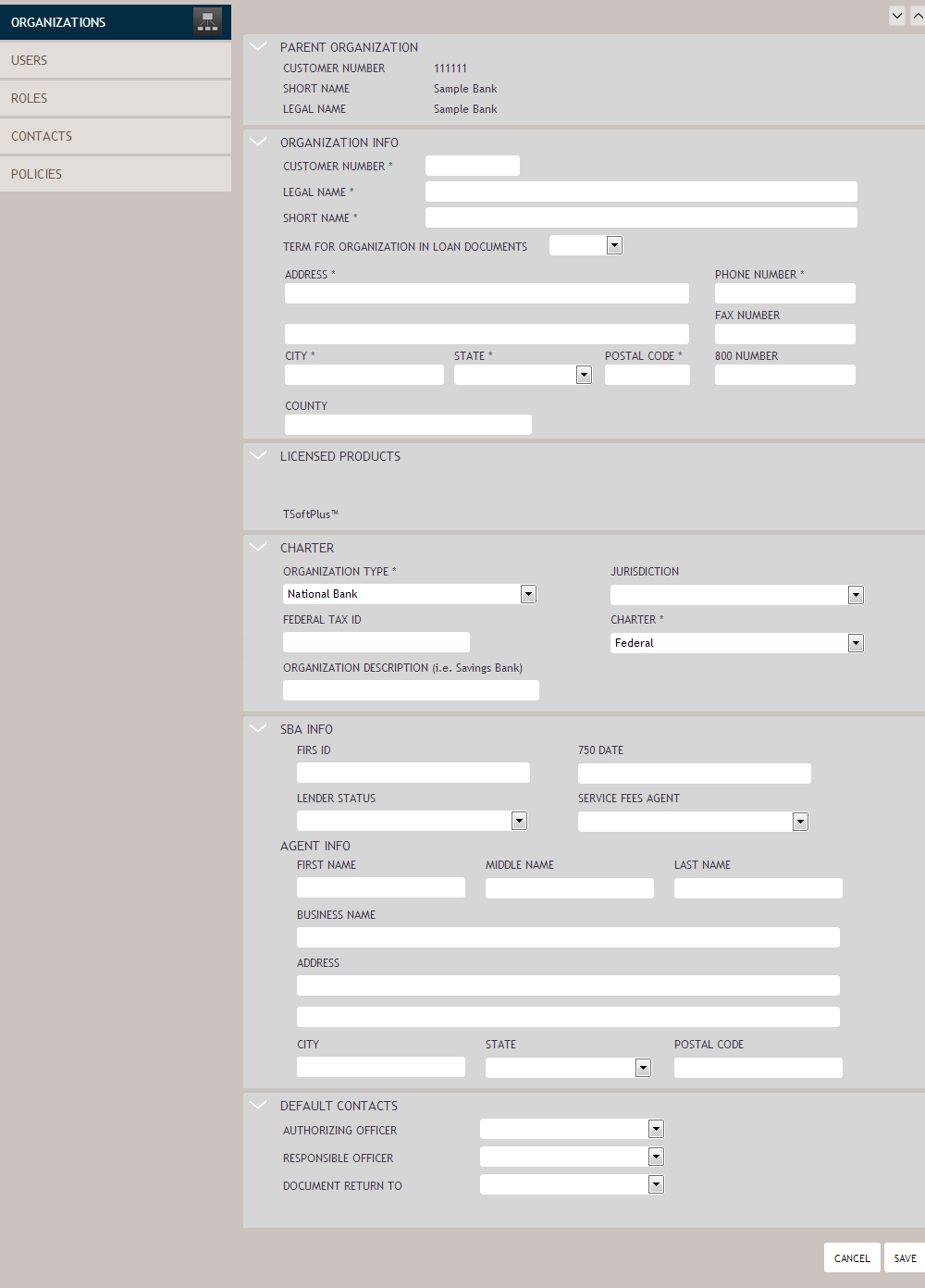
The Create Organization screen is displayed.
-
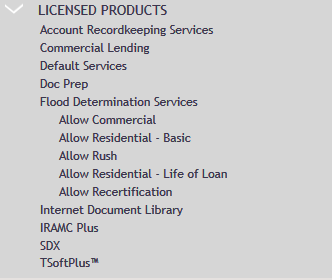
Within the Licensed Products section, select the products for which the
organization has a current license.
Note:
If the organization being created is a child of a parent with existing licensed products, the parent's licensed products are automatically selected for the child and displayed.
For example, if the parent organization Vesstar Financial is licensed for TSoftPlus, the Licensed Products section for the child organization appears as follows, indicating that TSoftPlus is inherited from the parent organization: