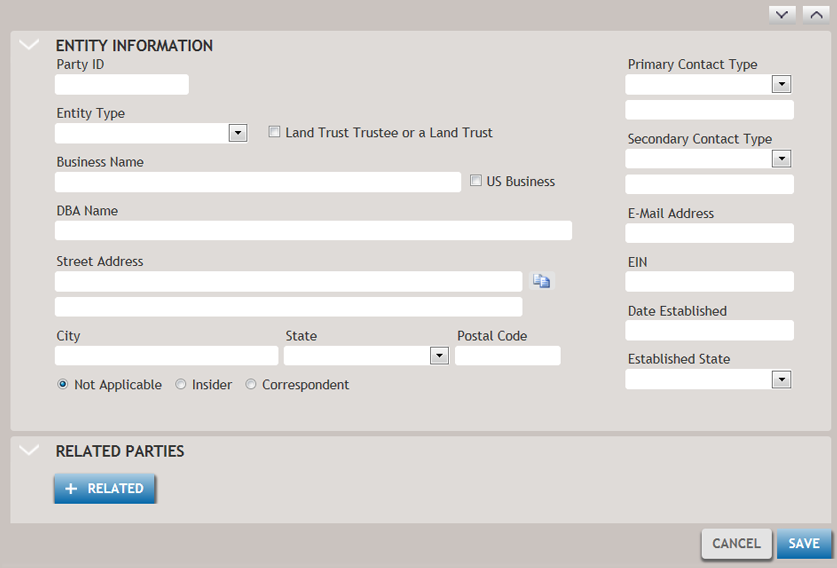
The Manage Parties screen allows you to add an entity party. An entity party is a party comprised of a company or group and not a single person.
-
Click +ENTITY. The screen is displayed.
The Manage Parties screen allows you to add an entity party. An entity party is a party comprised of a company or group and not a single person.

|
Wolters Kluwer Financial Services |