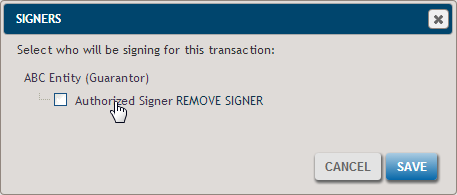
You can easily remove a party from being the guarantor signer for a transaction.
To remove a signer:
-
Within the desired transaction, navigate to the Parties Screen and click the Signers
button.
The Signers dialog is displayed, indicating the party configured as the Signer.
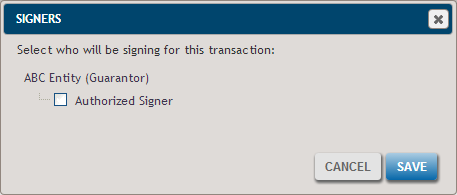
-
Hover over the Authorized Signer option to display the REMOVE
SIGNER link.