The Select Documents screen allows you to select specific documents to include when displayed
within theDocument Viewer screen.
You can view this screen by clicking SELECT DOCUMENTS from the navigation
menu.
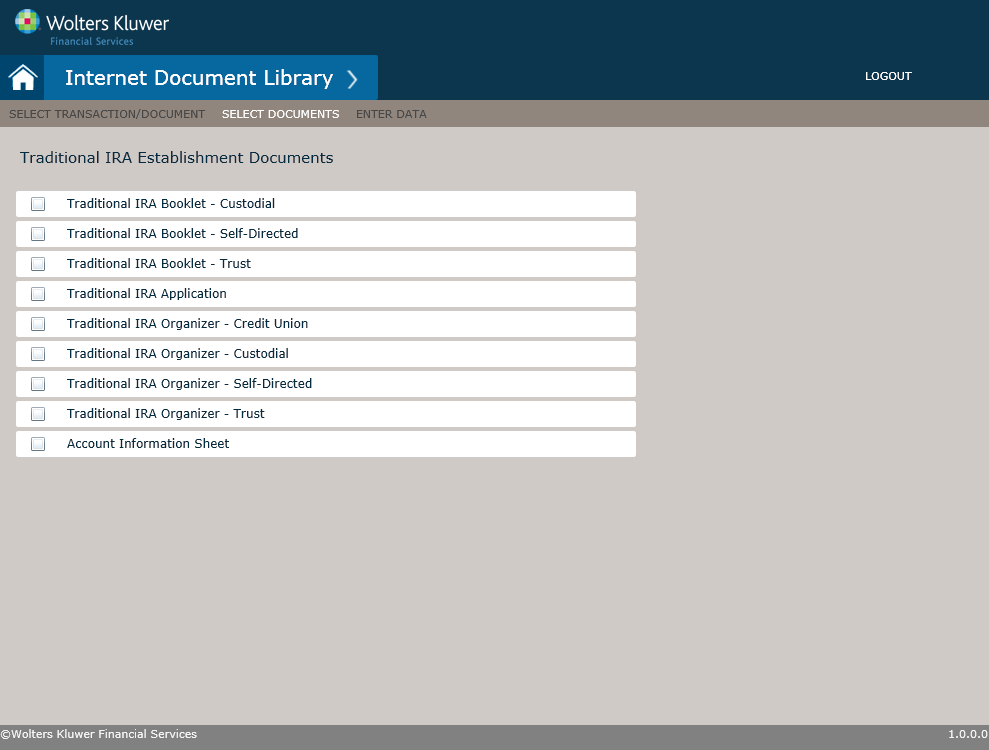
Note: This screen is automatically displayed when a package is selected from theSelect Transaction/Document
screen.
A document is selected simply by clicking on a document you wish to include. An included document is indicated with a check mark within the associated check box. The selected documents can be viewed by clicking ENTER DATA from the navigation menu.