Link to this page
Print this page
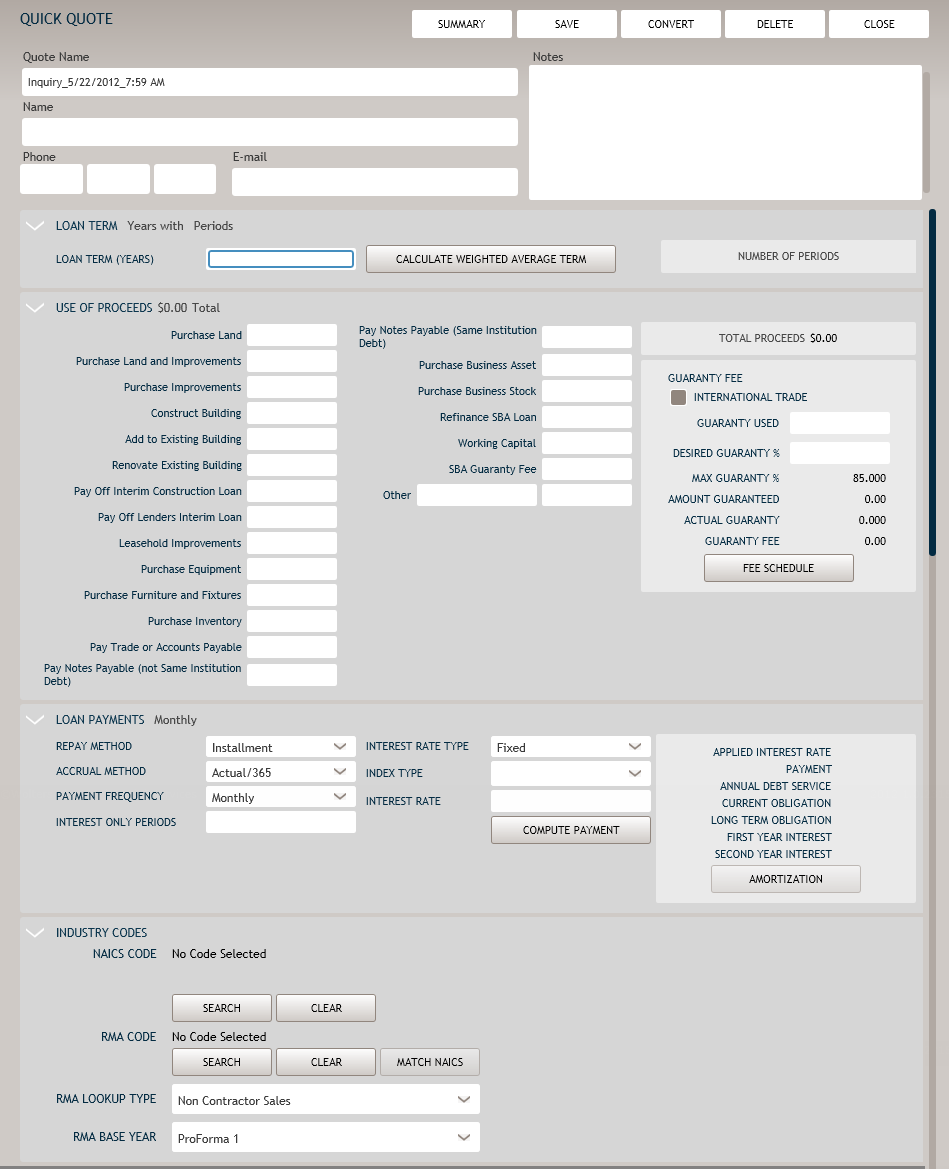
Creating a Quick Quote
From the Quick Quotes section of the main menu, select
CREATE NEW QUOTE
. The Quick Quote screen is displayed.
Note:
The Quote Name is automatically populated by the system, but can be changed during the creation of the Quick Quote.
Enter as much information as possible. For information on the various features of the Quick Quotes screen, refer to
Quick Quote Screen
.
Click
SAVE
when finished to save the new Quick Quote.
Click
CLOSE
to return to the previously viewed screen.