The Print screen displays the documents selected to print for the account.
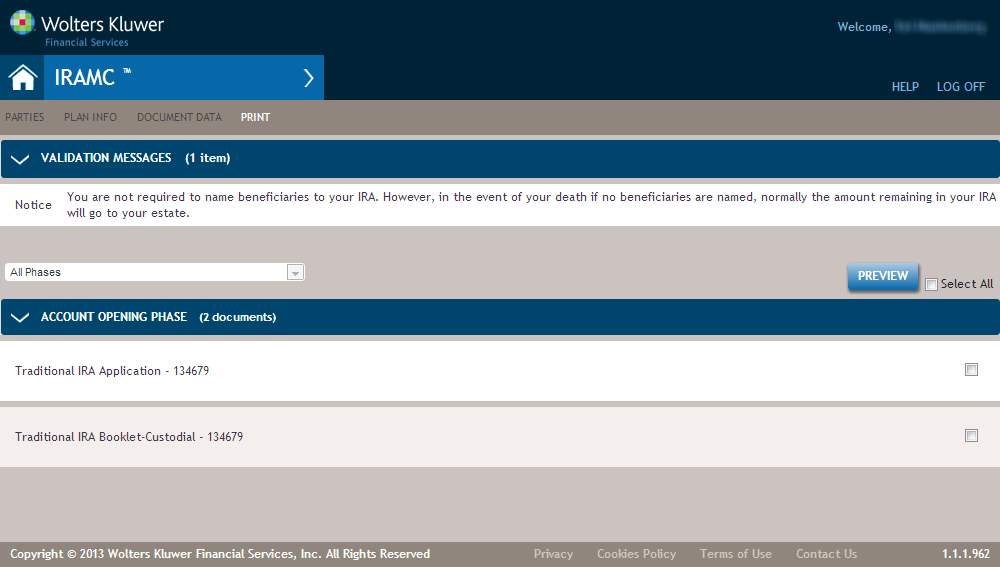
Validation warnings, if any, display at the top of the screen, as in the example below.
Note: If the contribution amount is in excess of the allowable amount for a
Regular contribution, a message appears on the Print screen, as in the following
example:
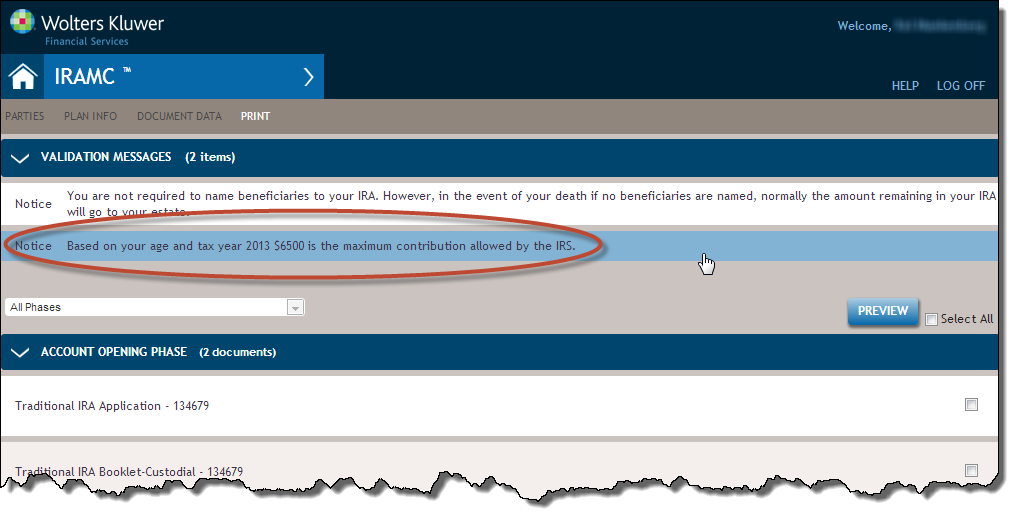
To correct, return to the Plan Info page by clicking the Validation message and modify the Contribution Amount.
Other warnings may appear so that if an owner is not eligible to complete the transaction based on rules provided by the IRS, they can be advised to consult a tax attorney.
The documents to print for each phase display under the corresponding phase name. Click on a document name to preview the single document, or select multiple document check boxes and click Preview to display a PDF preview containing all selected documents.